How-to guides
Use generated 3D furniture models in your design tools
Follow practical import guides for moving FloorPlan AI generated furniture models into SketchUp and ArchiCAD after creating them with the image to 3D model workflow.
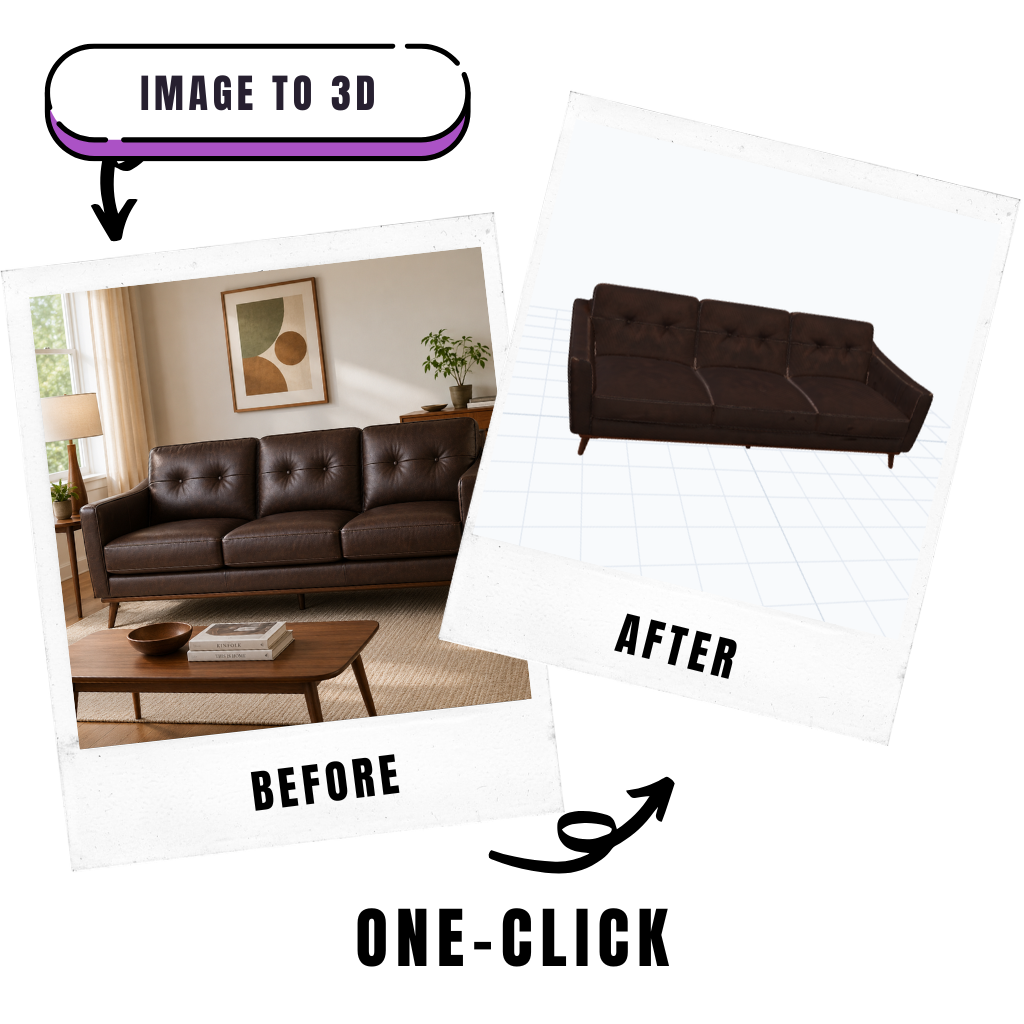
Import workflows
Choose the guide for your software
These guides focus on the generated model formats used by the FloorPlan AI image to 3D model converter.
SketchUpGLB, USDZ
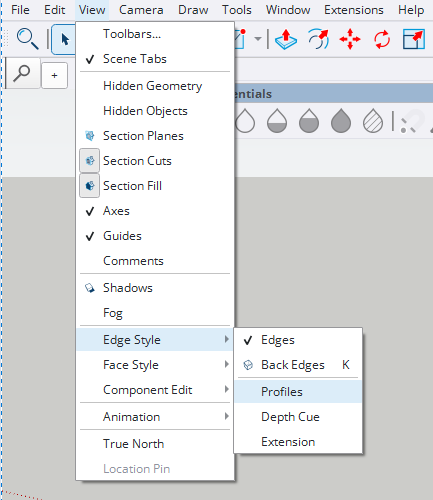
Import generated models in SketchUp
Use GLB or USDZ furniture models in SketchUp and turn off Profiles so the imported model displays cleanly.
Open guide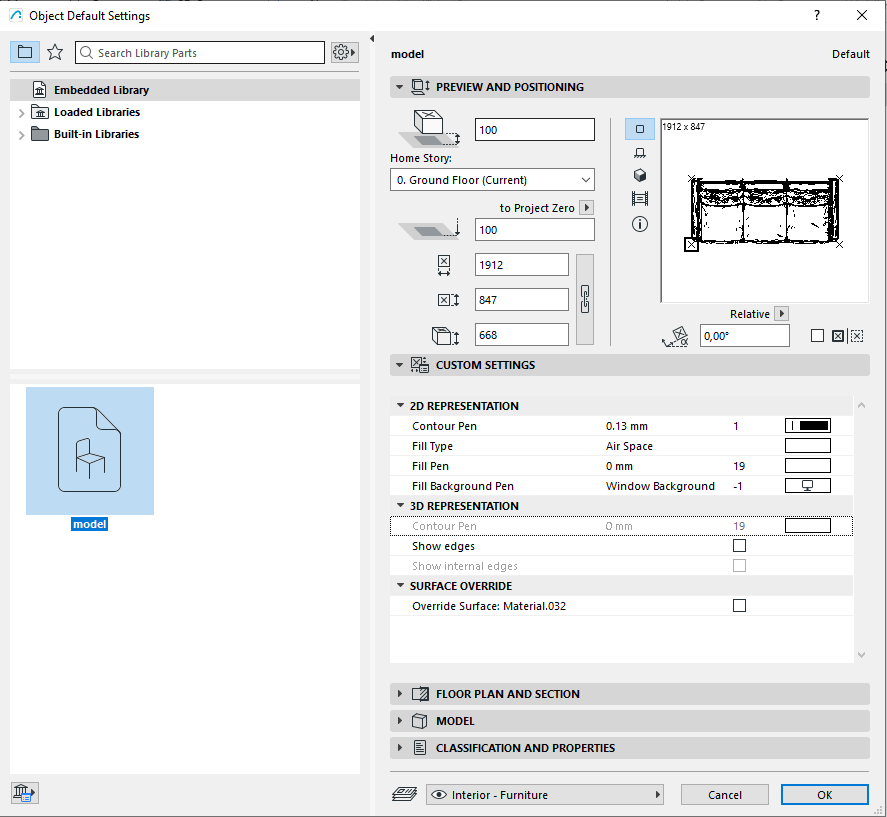
ArchiCADOBJ
Import generated OBJ files in ArchiCAD
Import generated OBJ furniture files into ArchiCAD as GDL objects with textures, meter units, and clean representation settings.
Open guideNeed a model to import first?
Upload a furniture image in FloorPlan AI, generate a 3D model, then use one of these guides to bring the result into your design software.
Generate furniture models