
Make Empty Rooms Easier to Visualize
Give a room a clear purpose. Virtual furniture staging can help buyers picture how seating, a bed, or a dining table could fit in the space.
AI VIRTUAL STAGING FOR REAL ESTATE
Turn empty room photos into beautifully furnished property visuals. Upload a photo, choose a style, and let AI help you present the space.
Your property photo. Your choice of style.
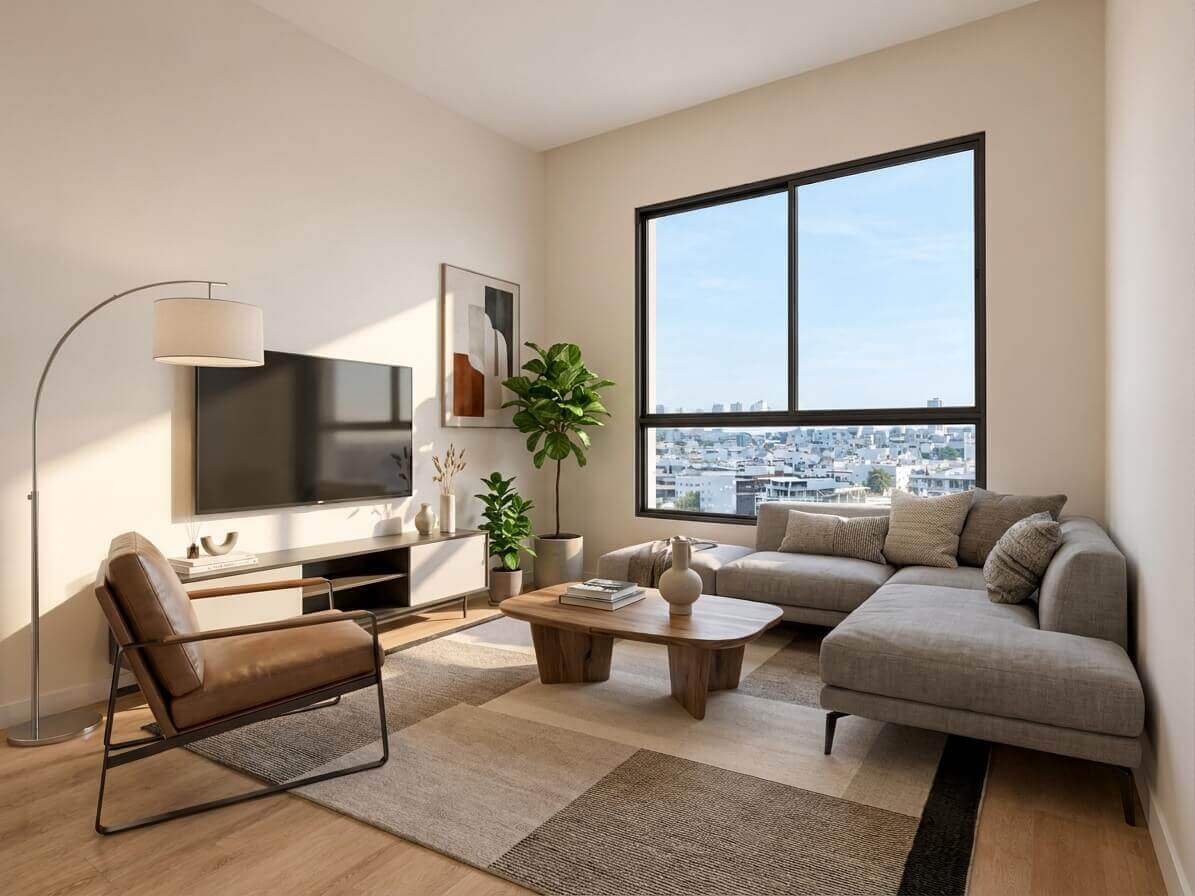
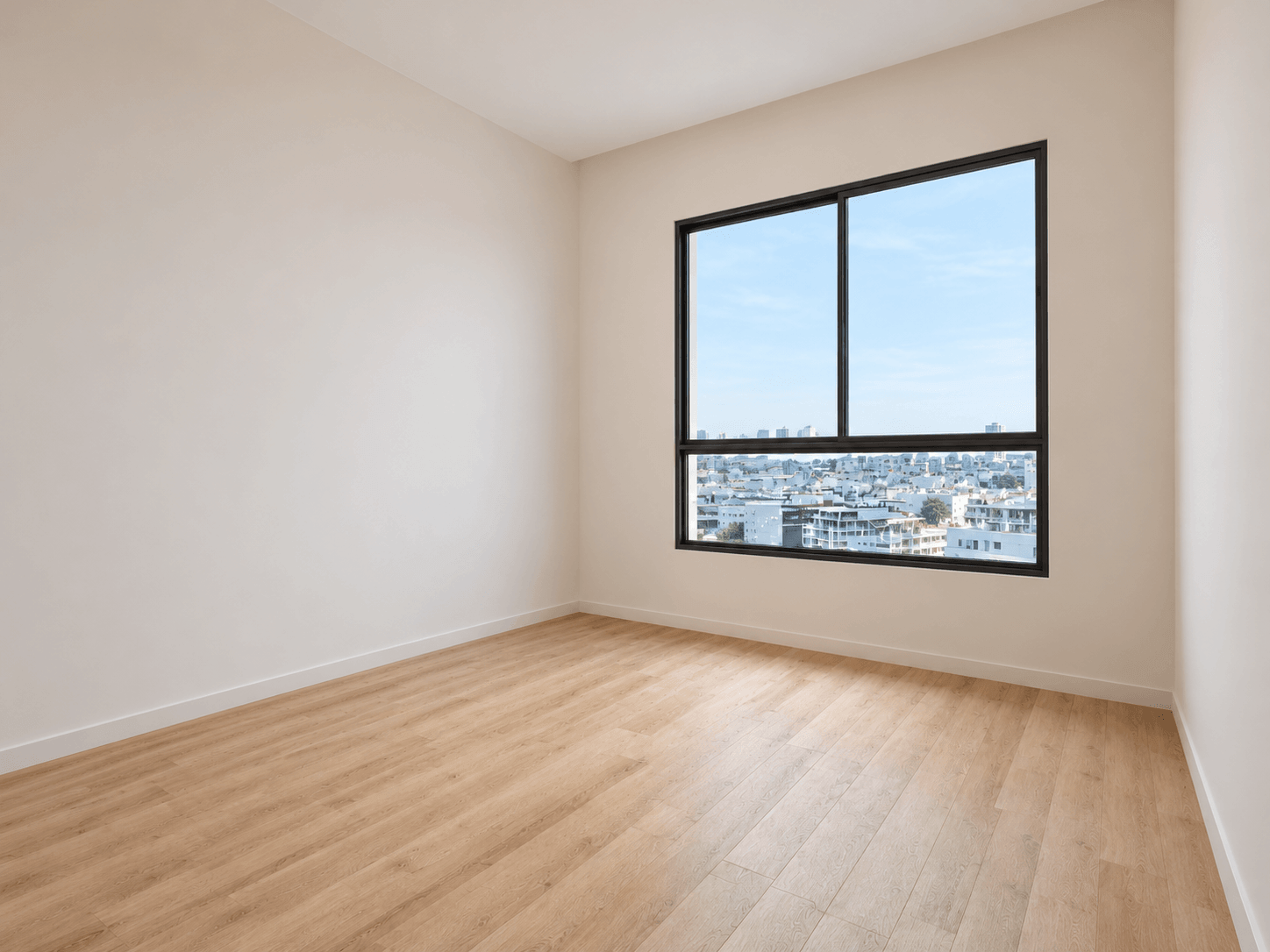
Drag left or right, or use the arrow keys. Home shows the staged image; End shows the original photo.
Start with your property photos
Explore existing interior styles
Review, refine, and download
See the possibilities
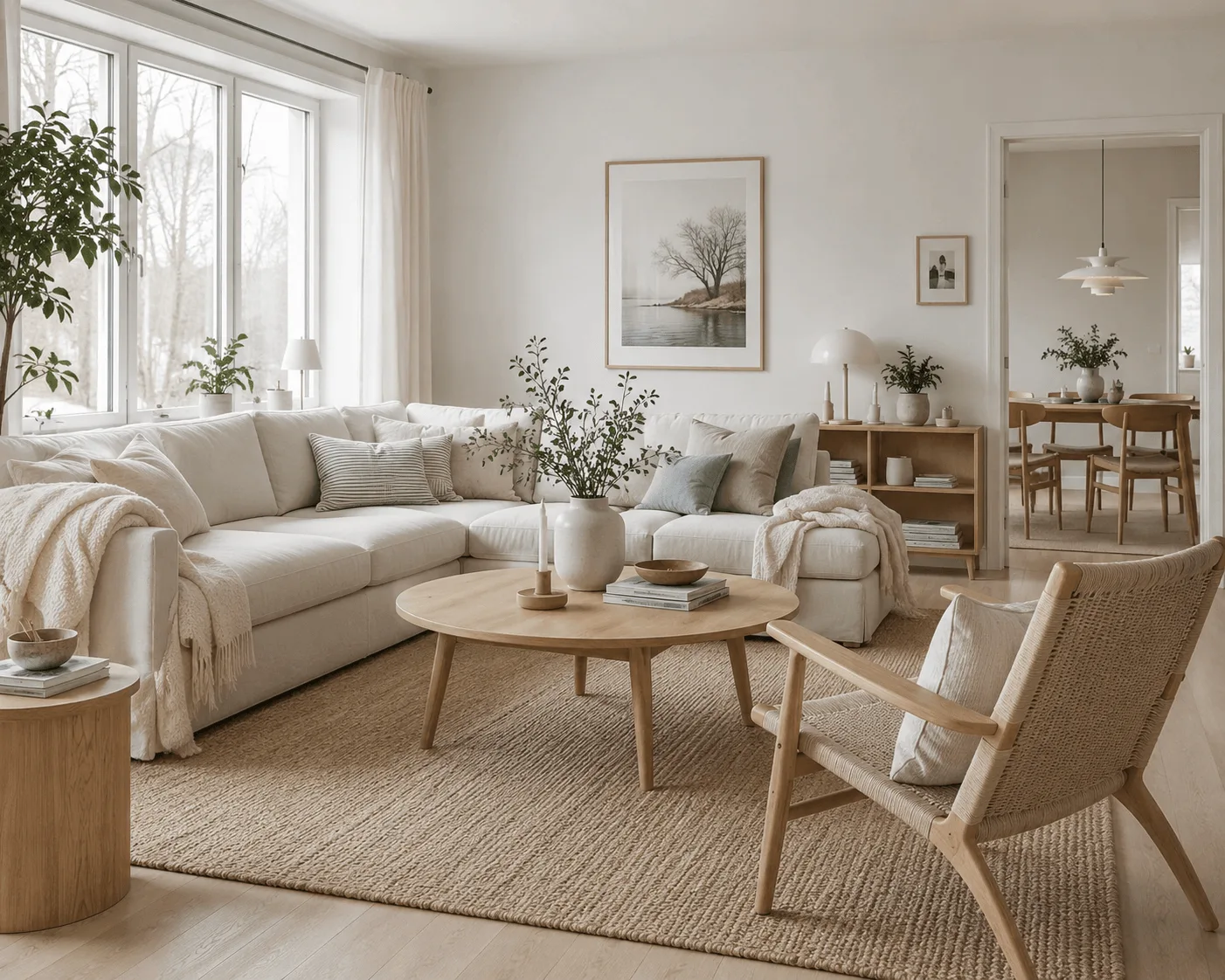
See how AI virtual staging can transform photos of empty rooms into furnished spaces for real estate marketing.
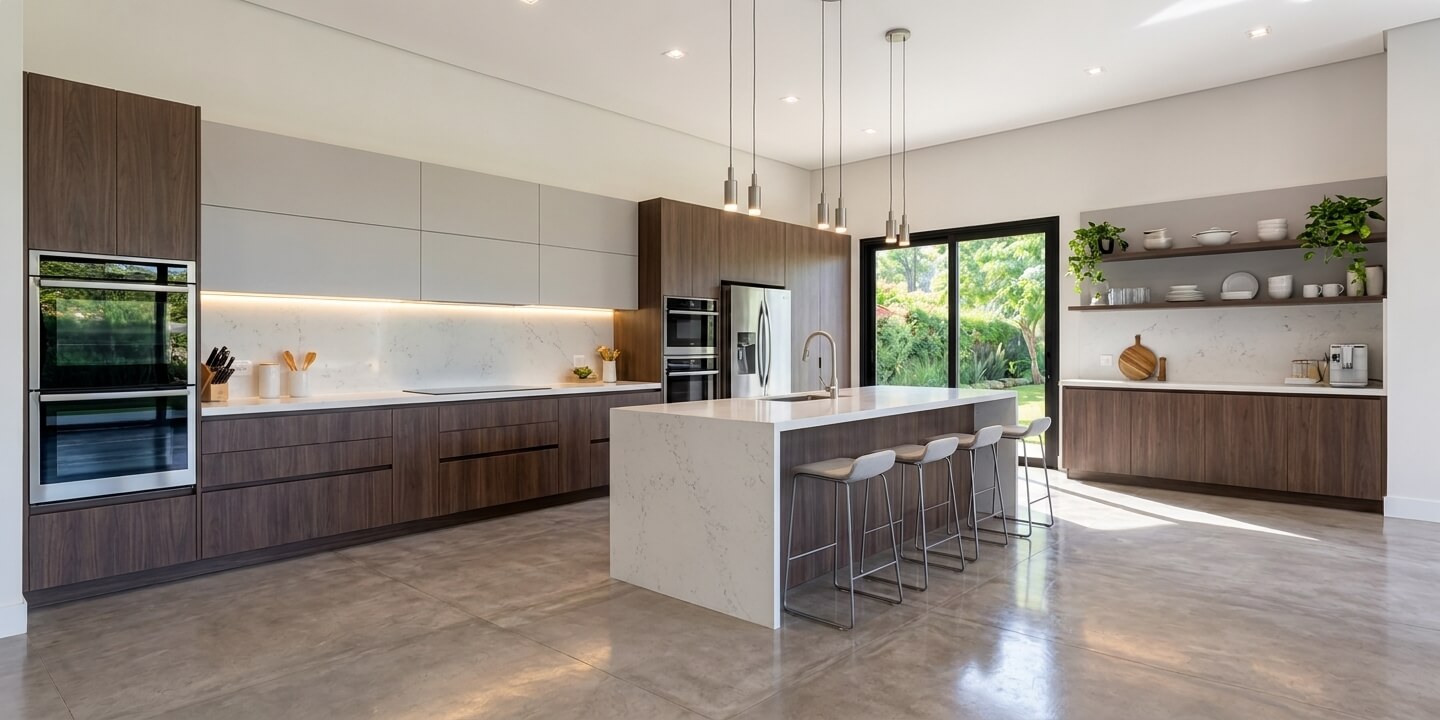
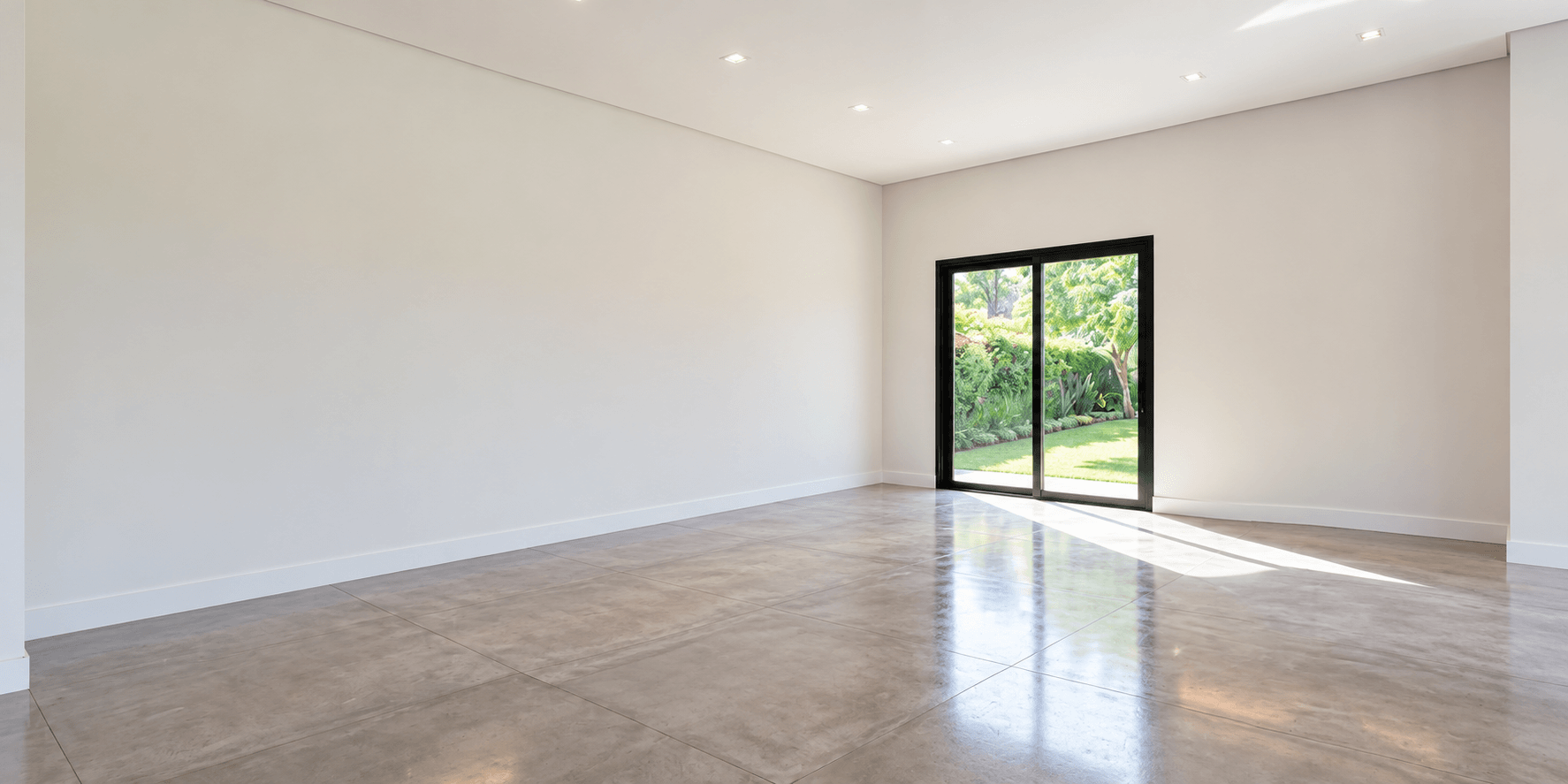
Drag left or right, or use the arrow keys. Home shows the staged image; End shows the original photo.
Explore an AI kitchen design concept with cabinetry, appliances, an island, and stools. This example includes proposed permanent fixtures and is a design visualization, rather than furniture-only staging.
Virtually staged images are illustrative. Review generated results for accuracy and follow applicable real estate advertising and disclosure requirements.
From photo to presentation
Start with a photograph of an empty room or an existing interior.
Select the room type and explore furniture styles that suit your property.
Use AI to visualize furniture and decor within the original room.
Compare the result with the original photo, review the property's details, and download your image.
Built for property presentations
Help buyers imagine how an empty property could look with furniture and decor.
A virtual staging solution for agents, property managers, real estate photographers, and marketing teams working from property photographs.
Give a room a clear purpose. Virtual furniture staging can help buyers picture how seating, a bed, or a dining table could fit in the space.
Prepare furnished images for property marketing, rental presentations, and conversations with prospective buyers or tenants.
Try different furniture and decor directions to suit the property and the audience you want to reach.
Start digital staging with existing real estate listing photos. A floor plan or 3D model is not required for the photo workflow.
A direction for every interior
Choose a furniture and decor direction that complements your property.

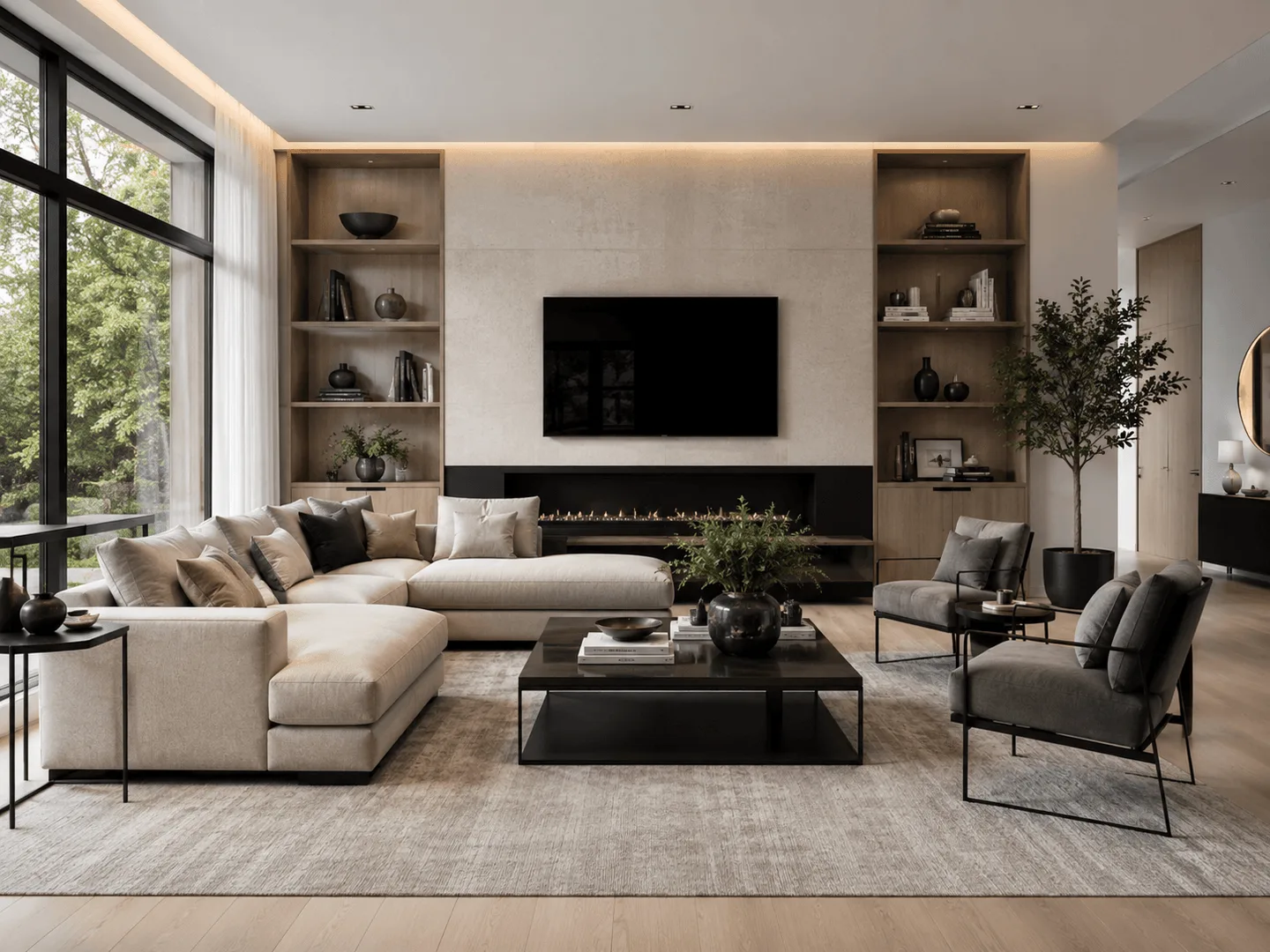
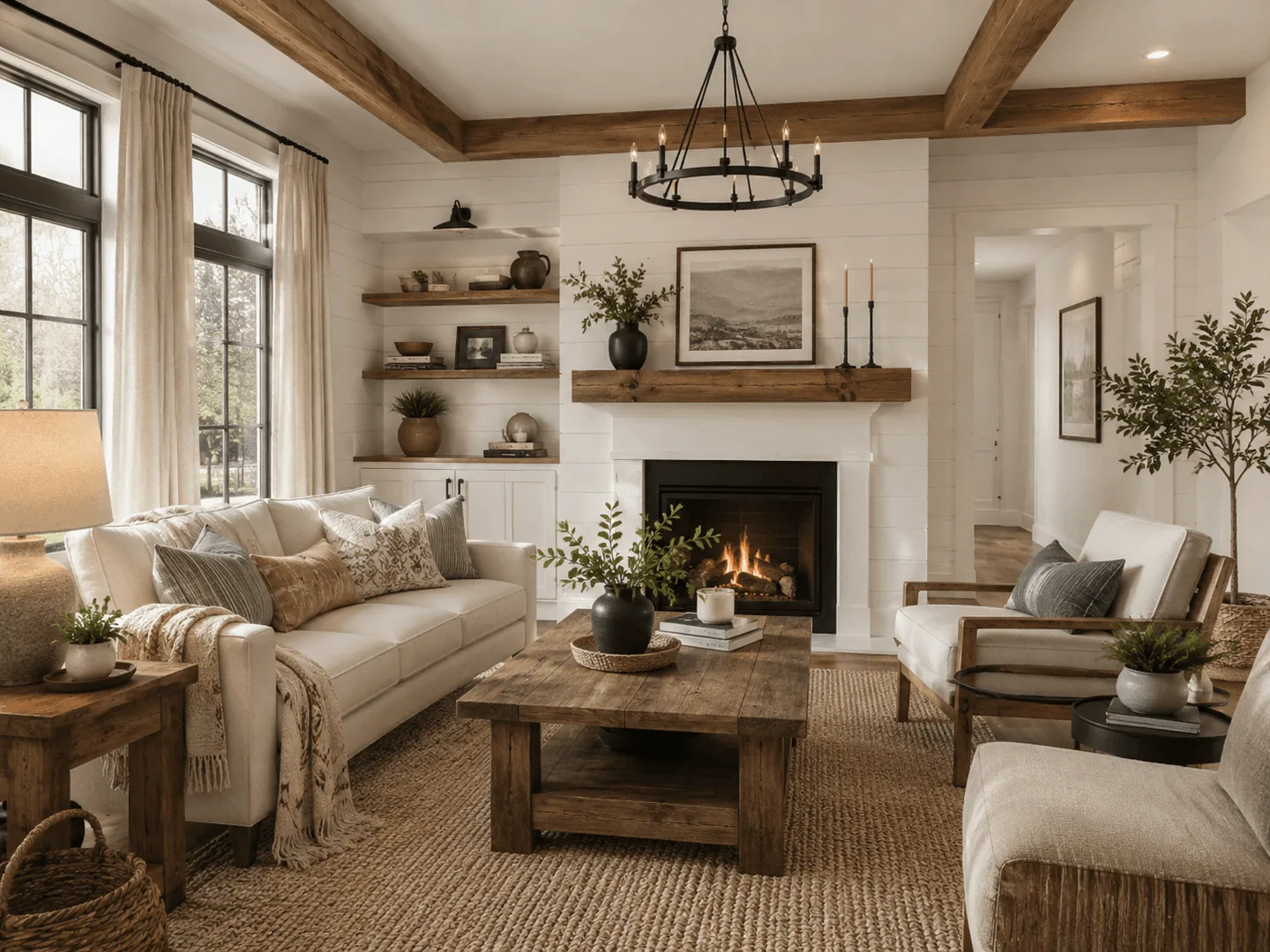
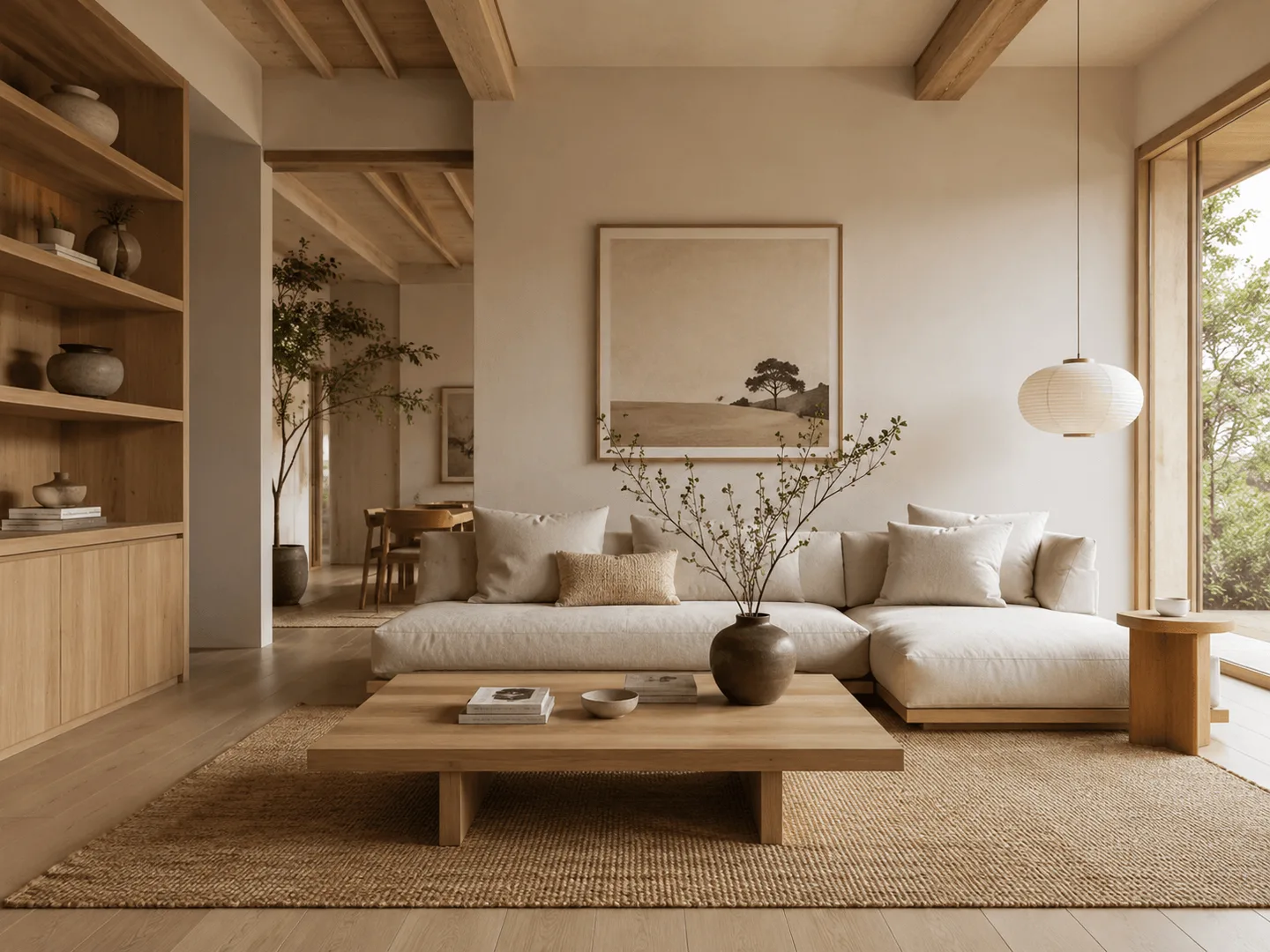
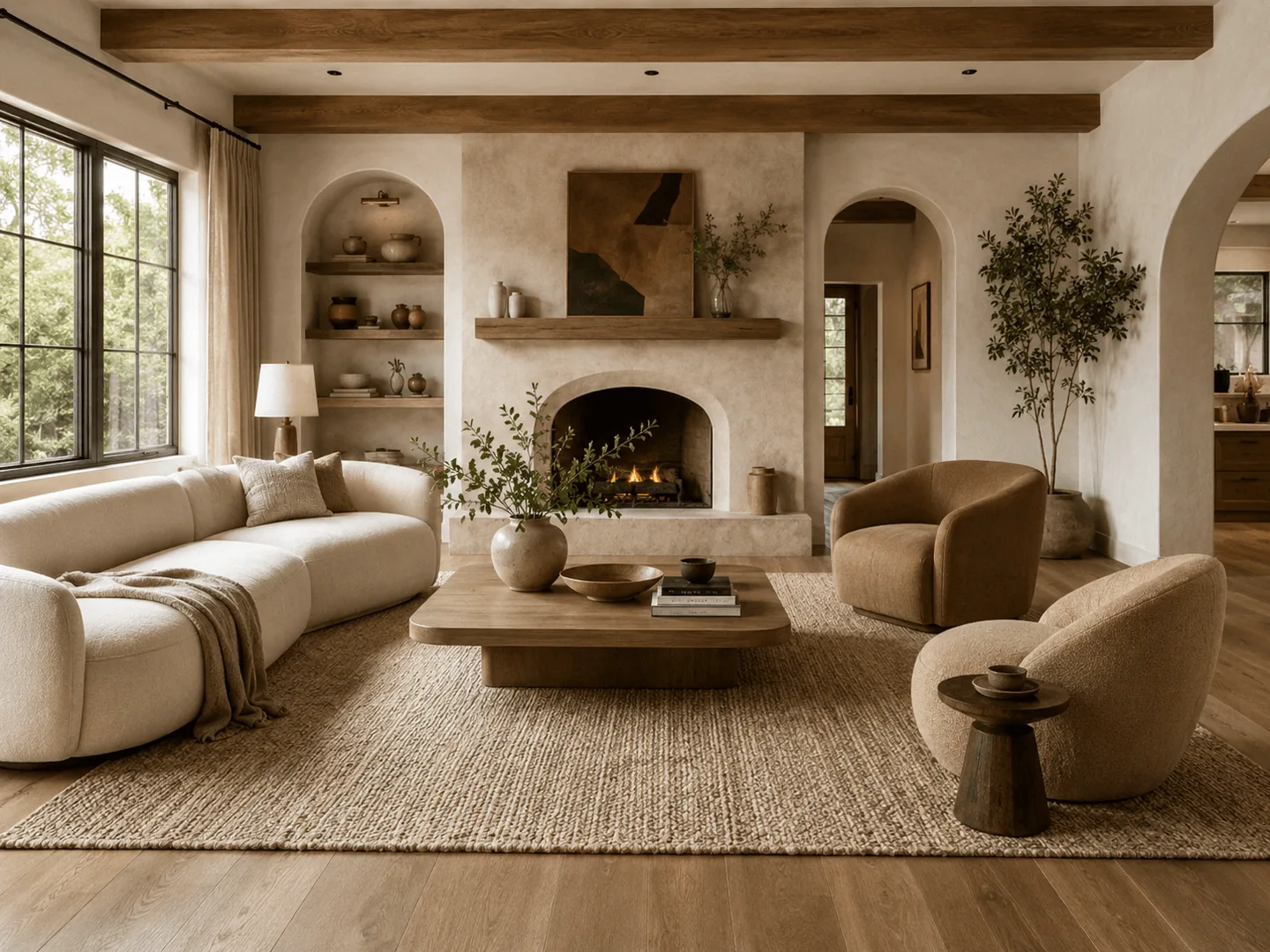
Illustrative style references from the existing Interior rendering tool.
One workspace for property images and architectural ideas. Use AI furniture staging alongside the FloorPlan-AI tools you already know, with the same image history and credit system.
Explore Interior Design Rendering, Exterior Rendering, and AI floor plan generation for related visualization tasks.
Virtual staging adds digital furniture and decor to property photographs, helping viewers imagine how a room could be used. Virtual house staging is illustrative; it does not mean the property includes the pictured furniture.
Upload a reference photo in FloorPlan-AI, select an interior room and a style, and generate an image with AI. Review the result against the original photo, refine it with the existing editing tools if needed, and download it.
Yes. The virtual staging entry point uses your uploaded property photo as a reference and requests removable furniture and decor. Choose a style or add directions for the furnishings you want to explore.
Real estate agents, property managers, photographers, and marketing teams can create visuals for property presentations and listings. Review every image for accuracy, clearly disclose virtual staging, and check the advertising and listing rules that apply to your publication.
Yes. The existing Interior workflow includes Modern, Contemporary, Scandinavian, Coastal, Japandi, Farmhouse, and other presets. You can also describe furniture and decoration preferences in the prompt.
Yes. Living Room, Bedroom, Primary Bedroom, Dining Room, and other interior room categories are available in the rendering tool. Select the room that matches your photo before generating.
The staging workflow asks AI to preserve permanent features and add removable furniture and decor using the original image as a reference. AI can still alter details. Compare walls, windows, doors, fixtures, proportions, and visible condition with the original. Adding furniture is different from digitally renovating a property; do not present altered permanent features as existing ones.
FloorPlan-AI uses its existing credit system for image generation and edits. The tool shows the credit requirement before generating. See the pricing page for current credit options; there is no separate virtual staging price on this page.
Yes. You can preview and download generated images using the existing rendering workflow, and return to your image history to review or refine results.
This virtual staging entry point is designed for interior photographs. The separate Exterior Rendering workflow generates exterior and facade concepts from references and prompts. Review its results carefully; it does not guarantee outdoor furniture placement or preservation of every property detail.
Give your next listing a new perspective
Explore AI virtual staging with FloorPlan-AI. Upload a room photo, choose a style, and create a furnished visual for your next property presentation.
Start Virtual Staging