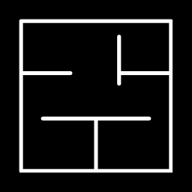
Render from an image
Upload a facade photo, concept image, sketch, or screenshot and use AI to turn it into a more polished exterior render.
FloorPlan AI helps turn early facade ideas into clearer exterior visuals. Start from a sketch render, a SketchUp render image, a 3D model view, a reference photo, or directly from the 3D house plan created from your FloorPlan AI layout.
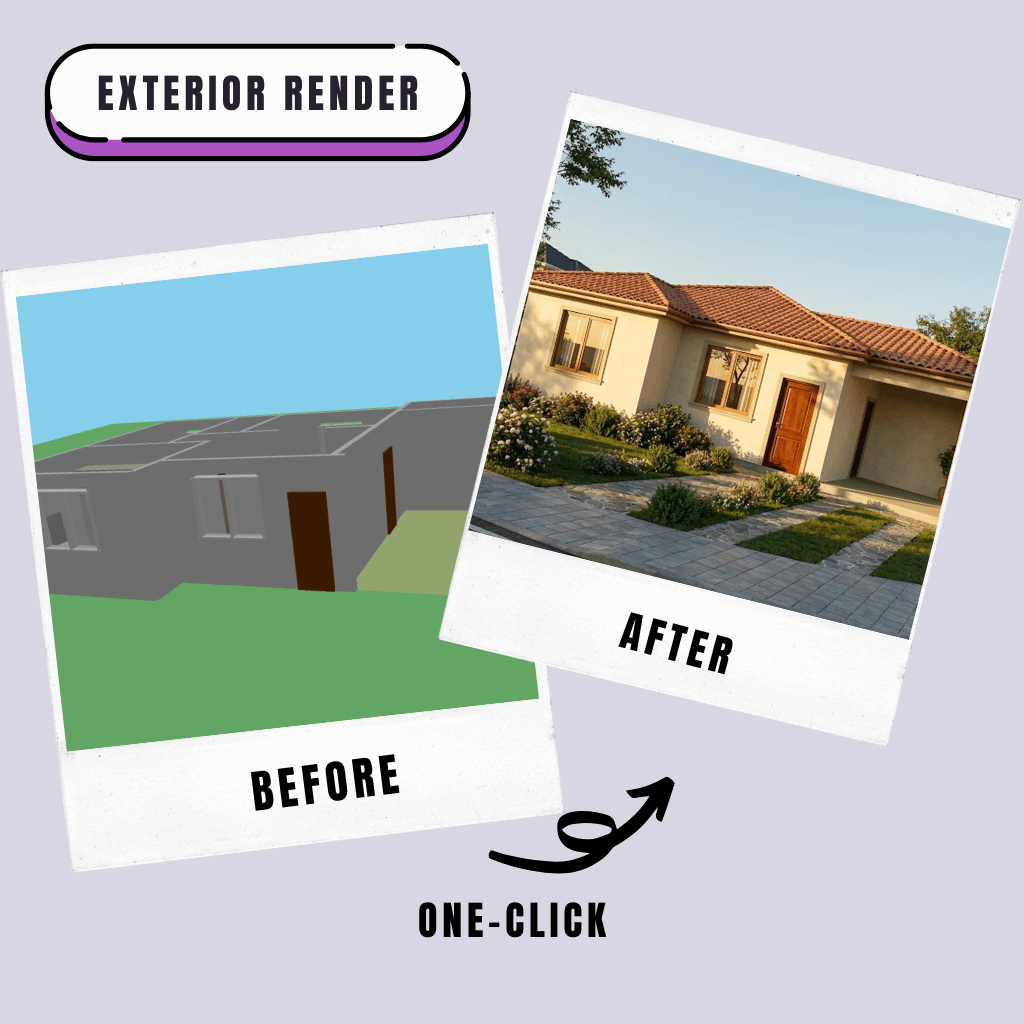
Multiple sources
Exterior rendering can start from many kinds of visual input. You can upload a facade photo, a rough sketch, a SketchUp image, a screenshot from another 3D tool, or a simple concept view. The AI uses that source as a reference for materials, massing, perspective, and architectural direction.
You can also render directly from the 3D of the plan generated in the Floor Plan Creator. That keeps the workflow connected: create the layout, preview the 3D house plan, then generate an exterior render from the same project.
Input options
Whether your source is a rough drawing or a 3D model, the goal is the same: create a useful exterior render for discussing the architecture, materials, and curb appeal of the home.
Upload a facade photo, concept image, sketch, or screenshot and use AI to turn it into a more polished exterior render.
Start from a hand-drawn sketch, massing study, or rough facade idea when you need a fast visual direction.
Use an image exported from SketchUp or another modeling tool as the reference for a more realistic facade visualization.
Generate directly from the 3D model connected to your FloorPlan AI project when the house layout already exists.
Workflow
Use exterior rendering when you need to test the look of a home before final modeling, construction decisions, or client presentation.
Start from a sketch, photo, SketchUp image, 3D model screenshot, or the 3D plan created in FloorPlan AI.
Ask for materials, facade style, roof changes, window style, landscaping, lighting, colors, or a full exterior concept.
FloorPlan AI creates an exterior render that turns the source image or 3D house plan into a clearer facade visualization.
Generate variations, switch architectural styles, refine materials, or continue from the option that best fits the project.
Exterior render features
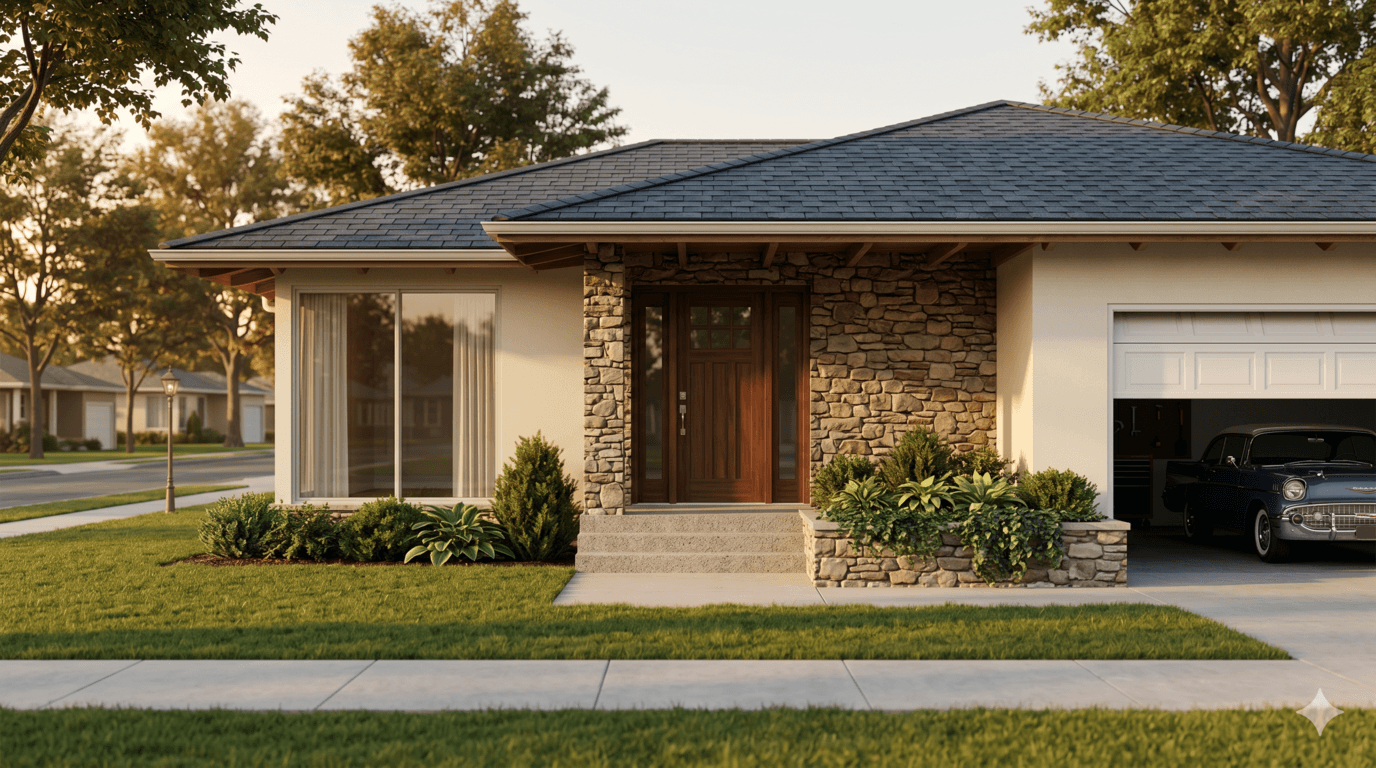
An external render helps communicate the building from the outside. Use it to test style, roof form, windows, garage doors, landscaping, exterior lighting, and material palettes.
Test roof style, siding, stone, stucco, wood, windows, garage doors, and exterior material combinations.
Create an external render for client review, curb appeal studies, early marketing, or design comparison.
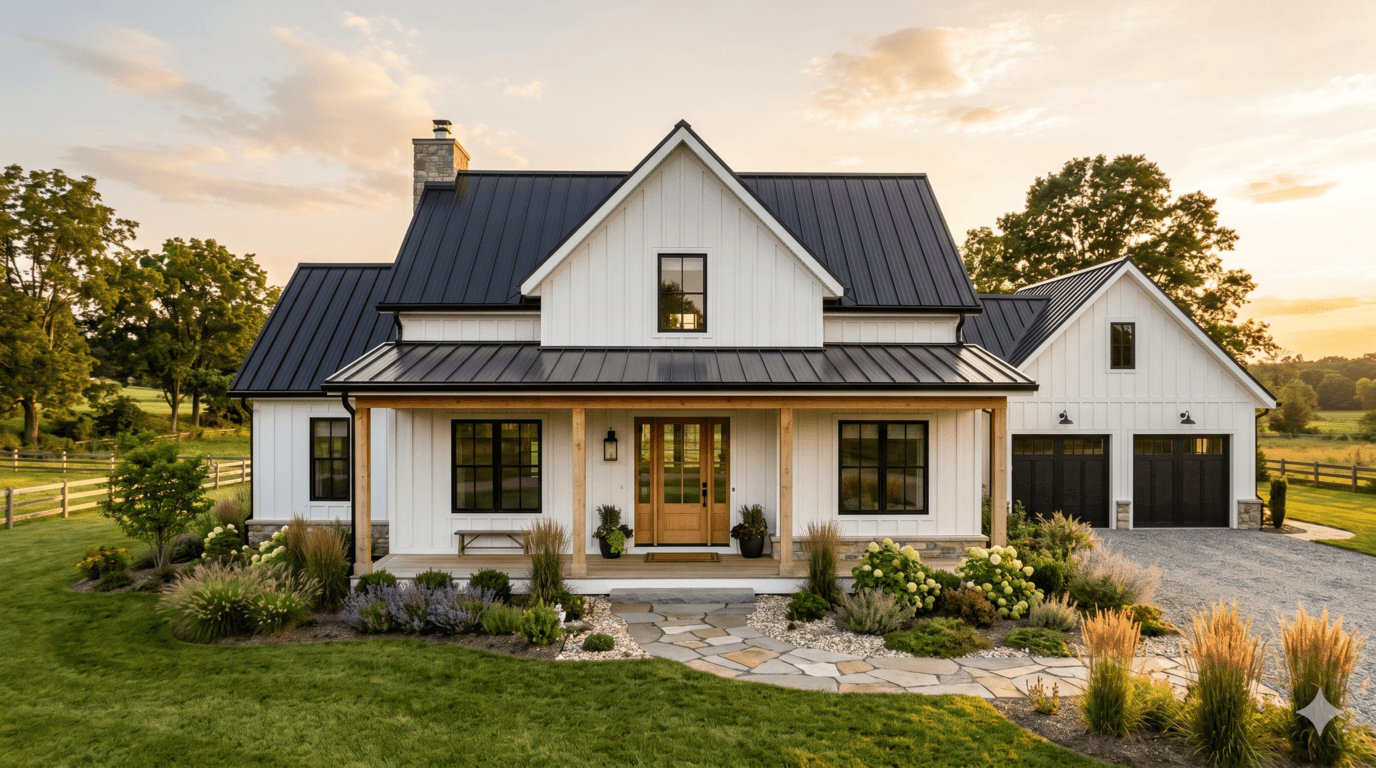
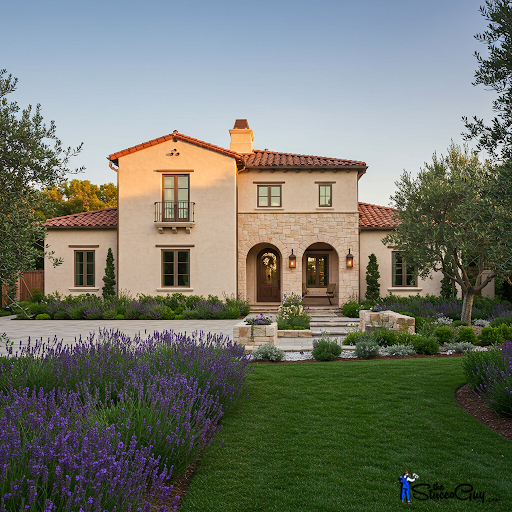
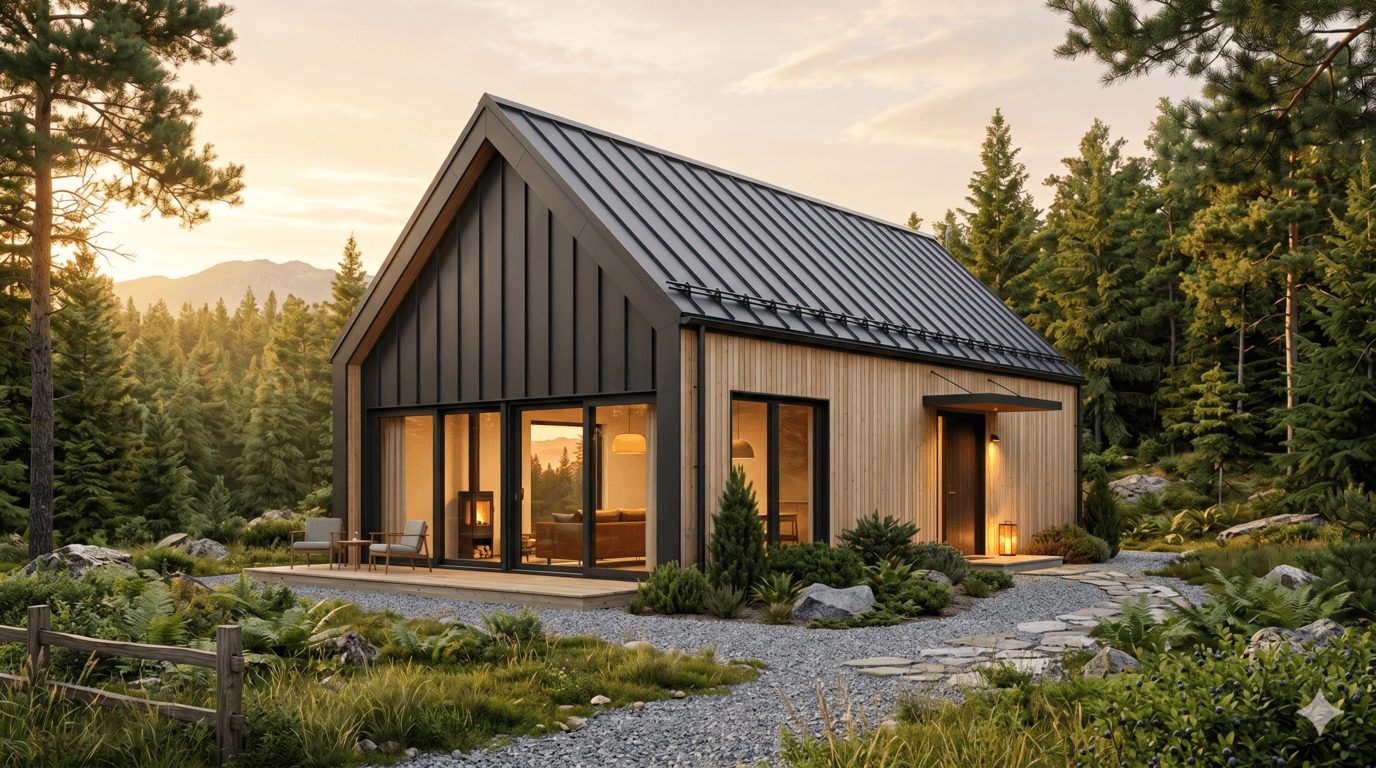
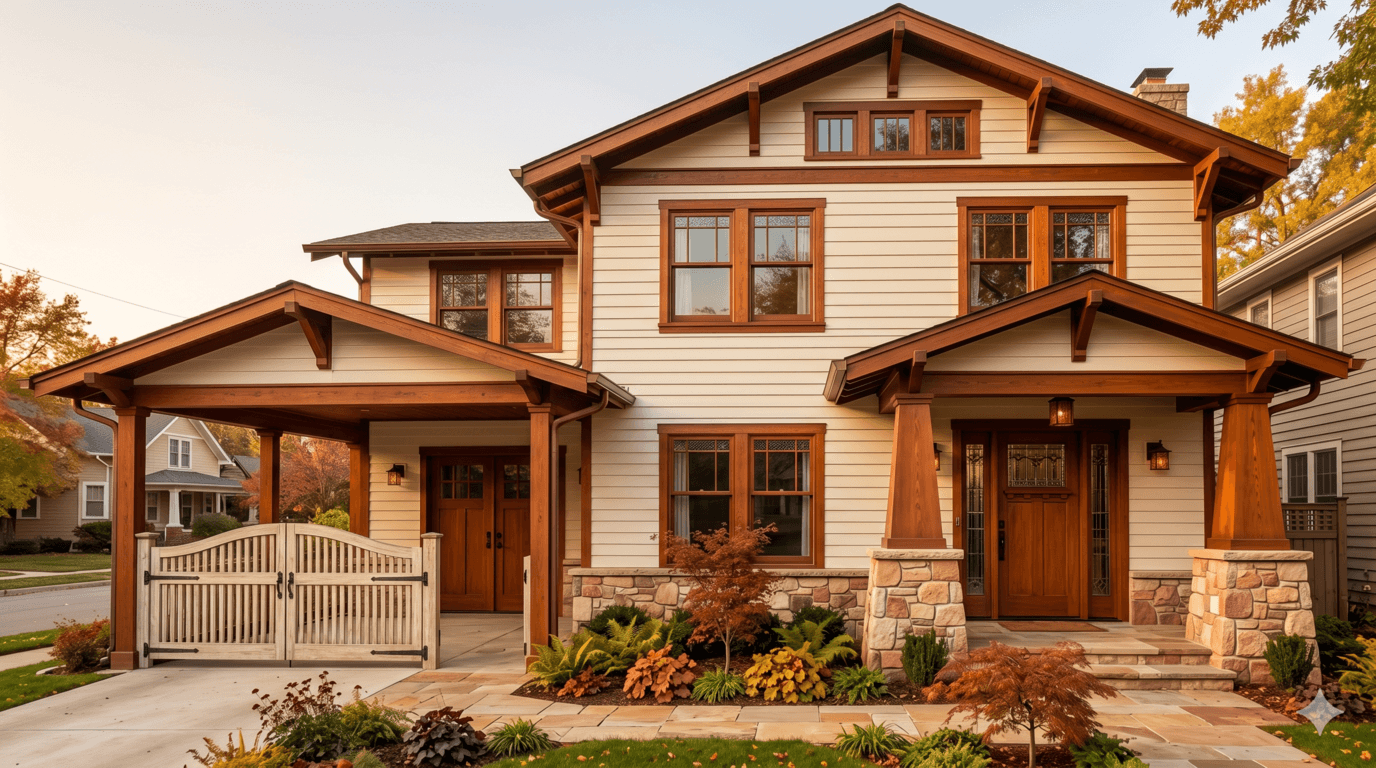
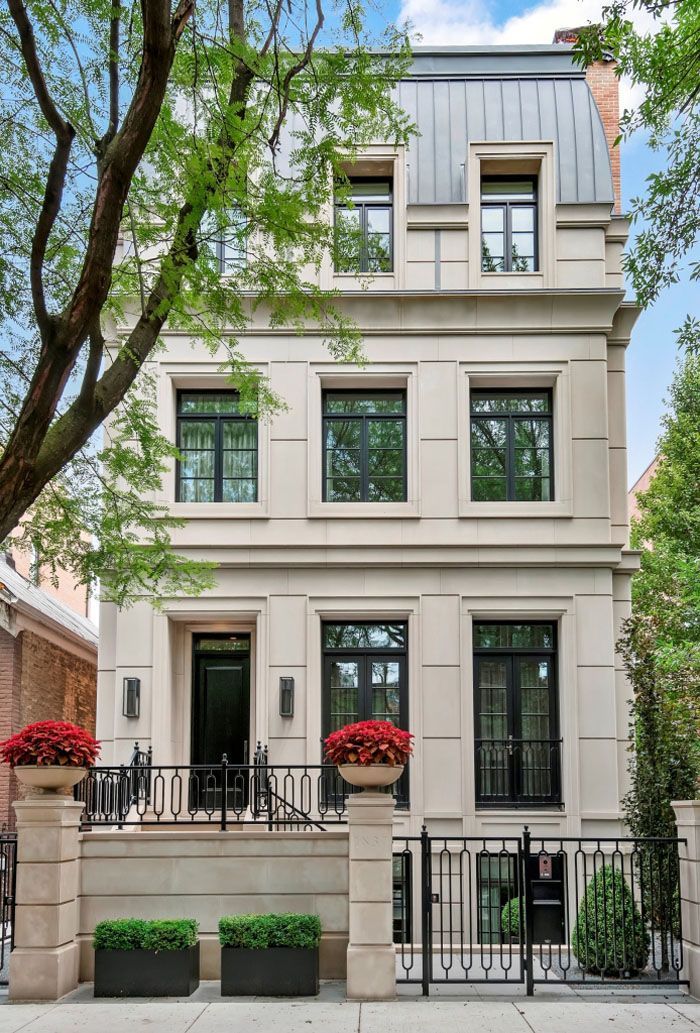
Compare modern, Mediterranean, Scandinavian, farmhouse, classic, ranch, colonial, and other exterior styles.
Move from sketch render or simple 3D preview to a polished exterior image that is easier to evaluate.
Style examples
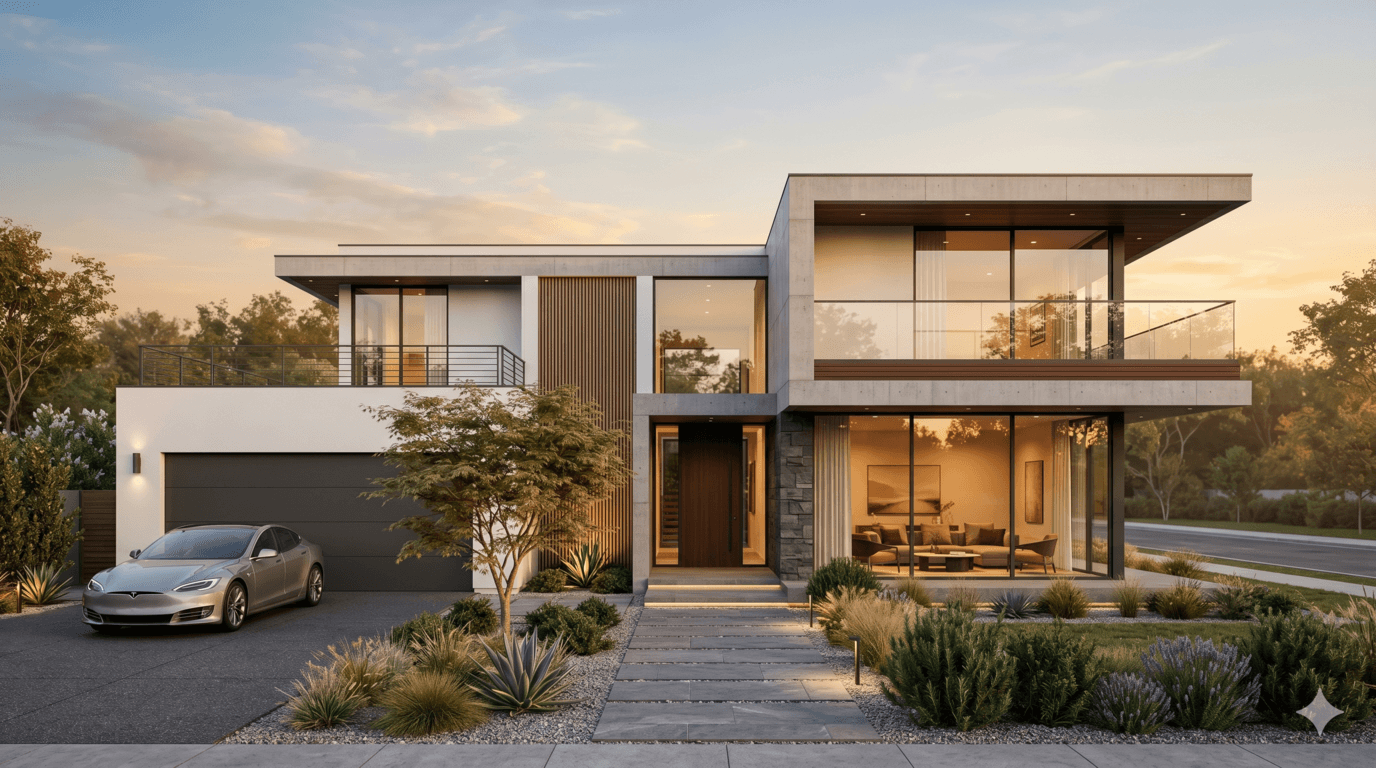
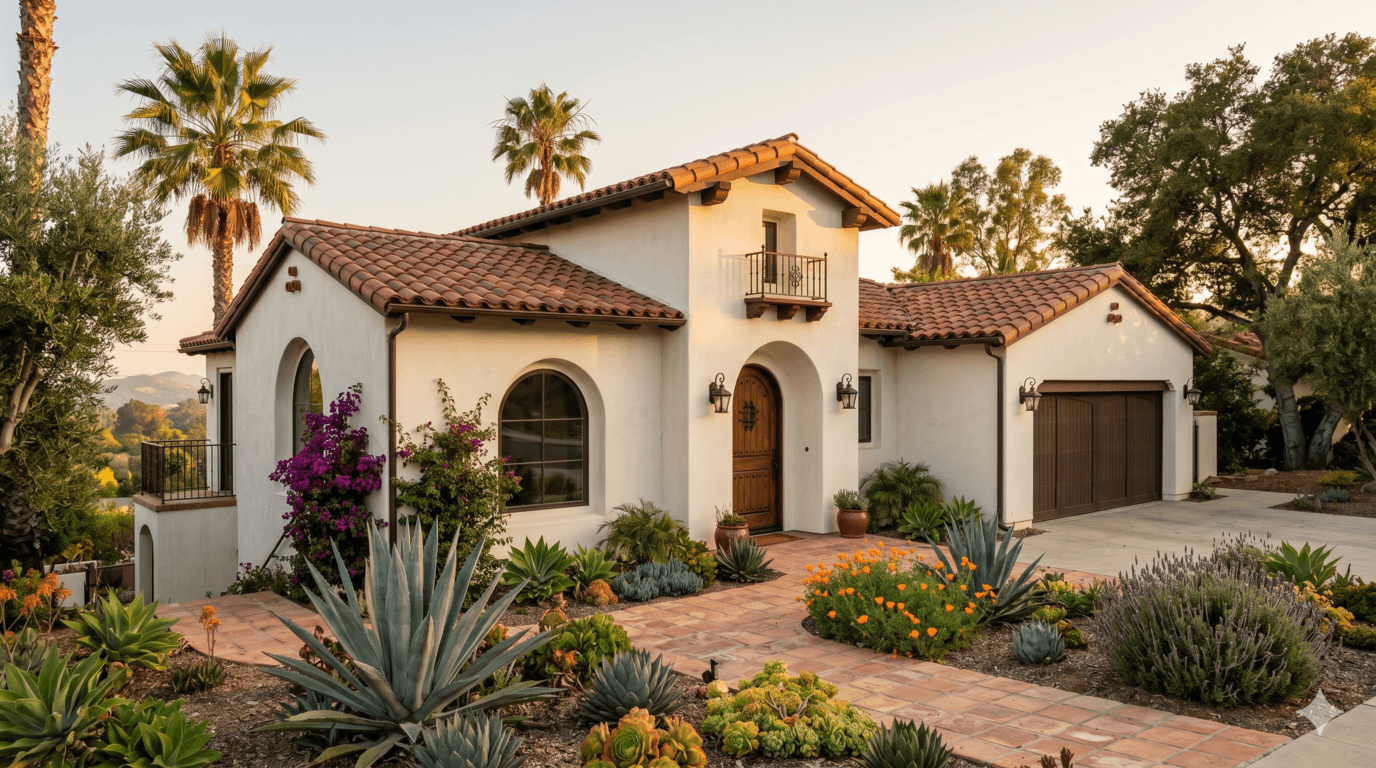
Try different architectural directions from the same sketch, SketchUp render source, 3D model, or FloorPlan AI house plan. Styles can help you compare modern, Mediterranean, farmhouse, Scandinavian, Craftsman, ranch, classic, and Spanish-inspired facade concepts.
Use cases
Use image-based exterior rendering when you already have a sketch, SketchUp view, photo, or rough 3D screenshot. This is useful when the structure exists but the facade still needs style, materials, lighting, and landscape context.
Use the connected FloorPlan AI workflow when the project starts with a generated floor plan. Create the layout in the Floor Plan Creator, preview the 3D house plan, then create an exterior render from that model.
FAQ
An exterior render is a visual image of the outside of a house. It can show facade materials, roof style, windows, doors, landscaping, lighting, colors, and architectural character.
Yes. You can start from an uploaded image such as a facade photo, sketch, SketchUp screenshot, 3D model view, or rough concept image and use it as reference for the render.
Yes. A sketch render workflow is useful when you have a hand drawing, massing concept, or early facade idea and need a more realistic exterior image for review.
Yes. You can create an exterior render directly from the 3D house plan generated from your floor plan, keeping the workflow connected from layout to facade visualization.
Some teams use external render to mean the same thing as exterior render: a visualization of the outside of the building, facade, site context, materials, and curb appeal.
Upload a sketch, SketchUp image, 3D view, or reference photo, or start from the 3D plan created in FloorPlan AI and turn it into an exterior visualization.
Start exterior rendering