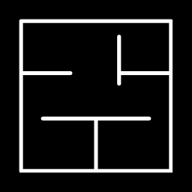
Live 3D preview in the editor
See the 3D version of your generated floor plan while you work, so layout decisions are easier to understand before rendering.
FloorPlan AI connects the full design path: generate a floor plan, refine it in the editor, preview the 3D floor plan in real time, and create interior or exterior renders in multiple styles. It is a practical plan to 3D workflow for early concepts, client reviews, and presentation images.
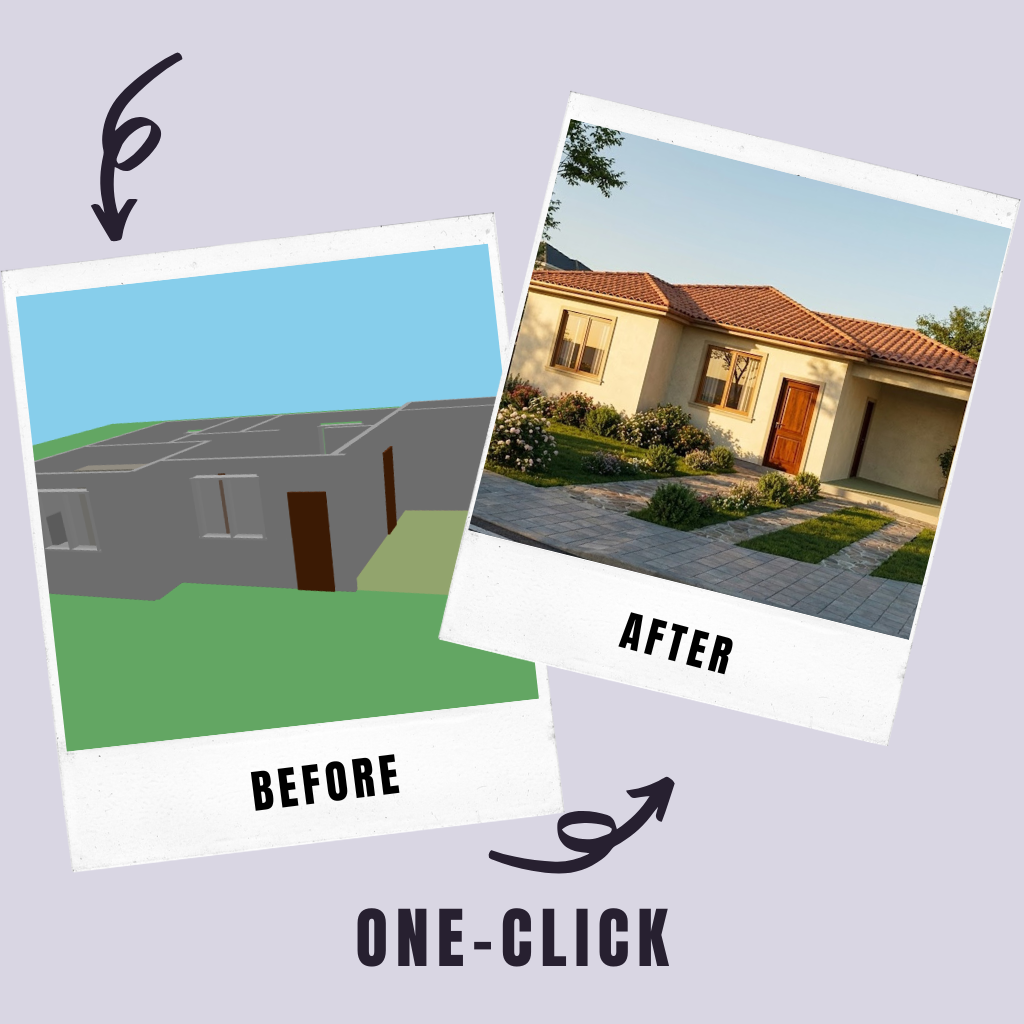
Real-time 3D preview
A 2D plan is essential for dimensions, rooms, and layout logic, but a 3D floor plan makes the design easier to understand. In the FloorPlan AI editor, you can review the 3D view of your generated plan and use it to check volumes, circulation, openings, and the relationship between rooms.
This keeps early design decisions grounded. Instead of waiting until the end of the project to understand the house in 3D, you can move between the plan and the model as the concept develops. That makes it easier to explain changes, catch layout issues, and decide what should be rendered next.
Feature highlights
Use one connected workflow instead of jumping between separate tools. FloorPlan AI helps you generate the floor plan with AI, edit the layout, preview the 3D model, and explore rendering directions.
See the 3D version of your generated floor plan while you work, so layout decisions are easier to understand before rendering.
Move from a 2D layout to a 3D floor plan without manually rebuilding the same rooms, walls, and openings from scratch.
Use the 3D house plan as a starting point for room renders, facade studies, exterior concepts, and presentation images.
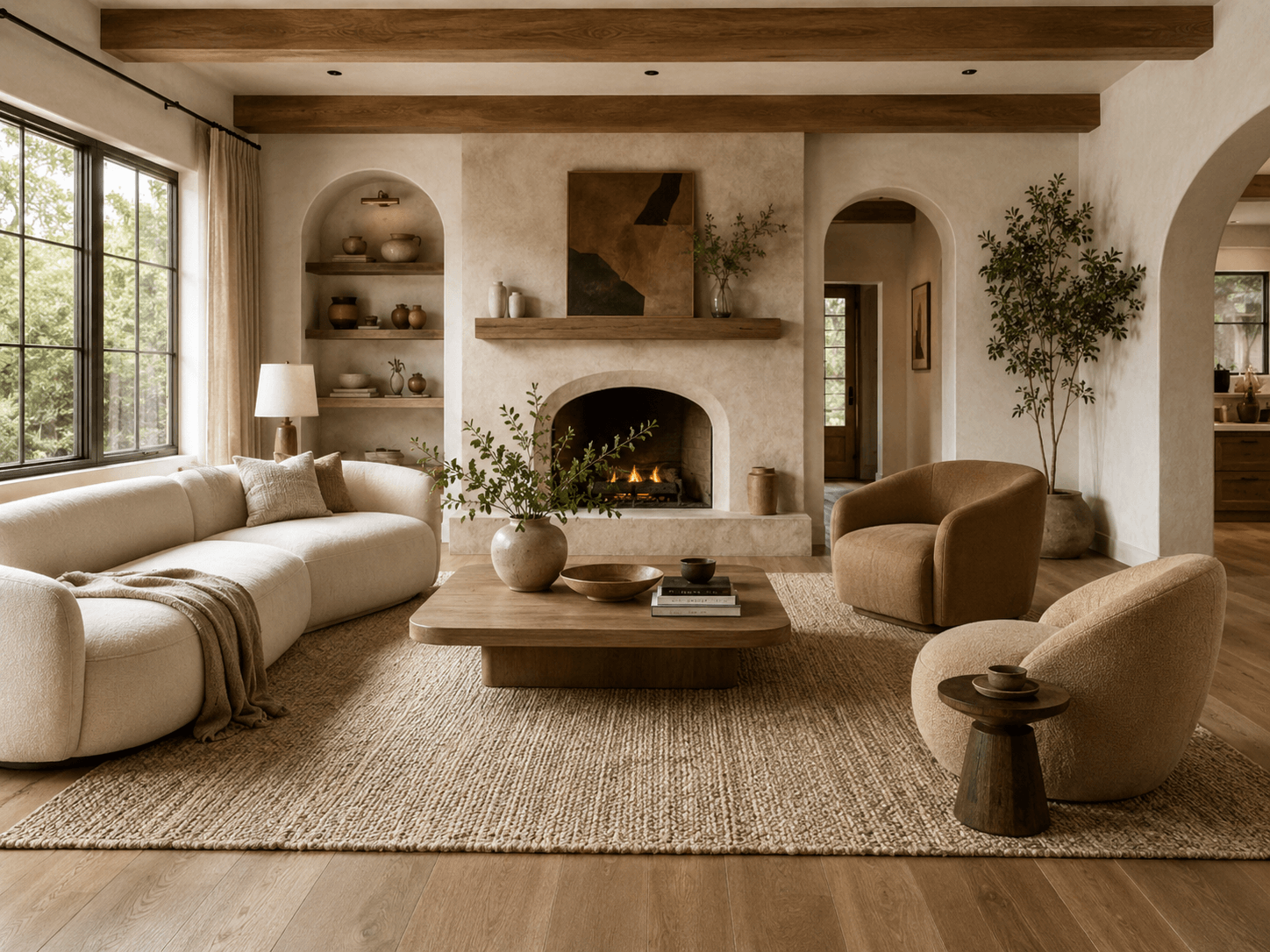
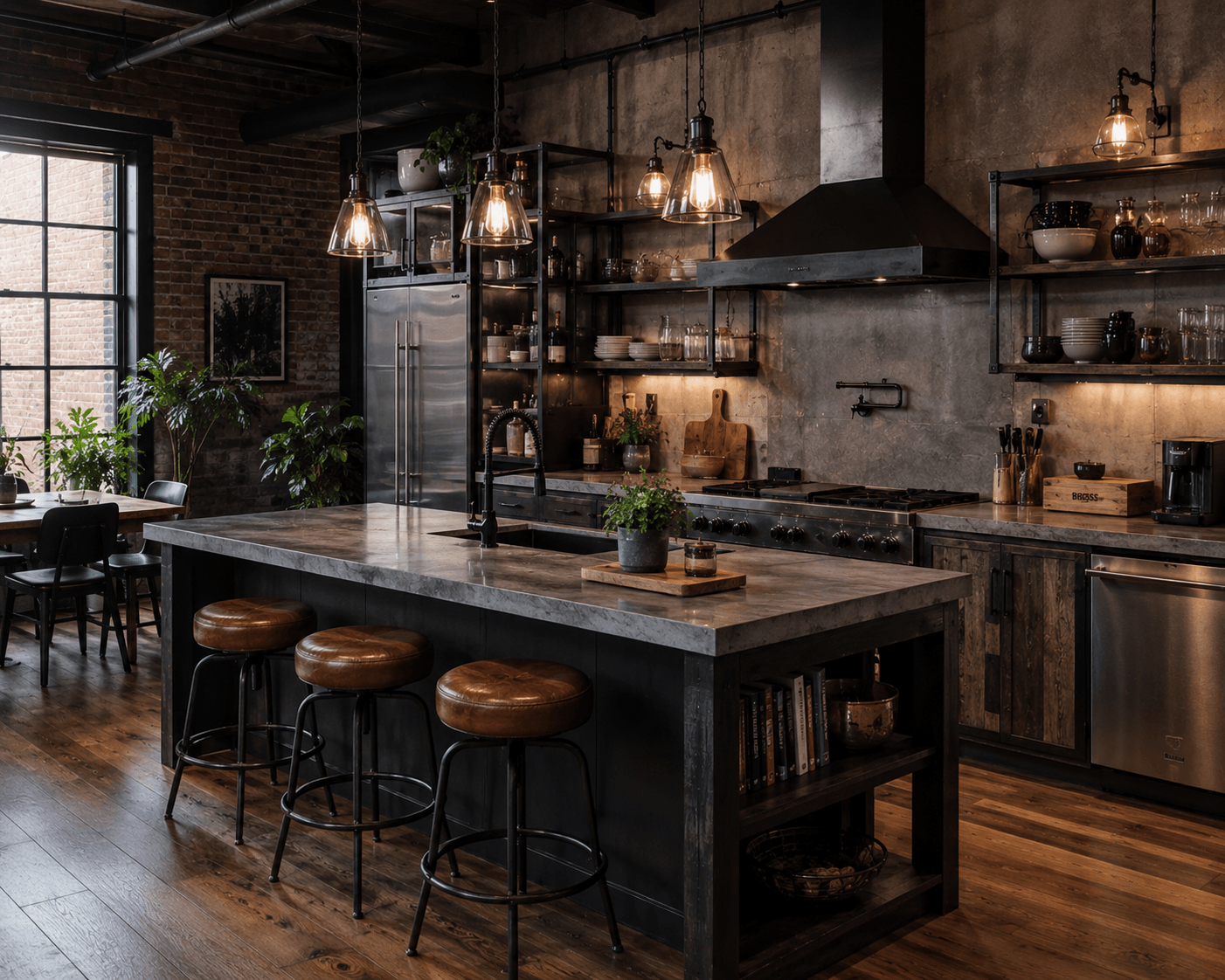
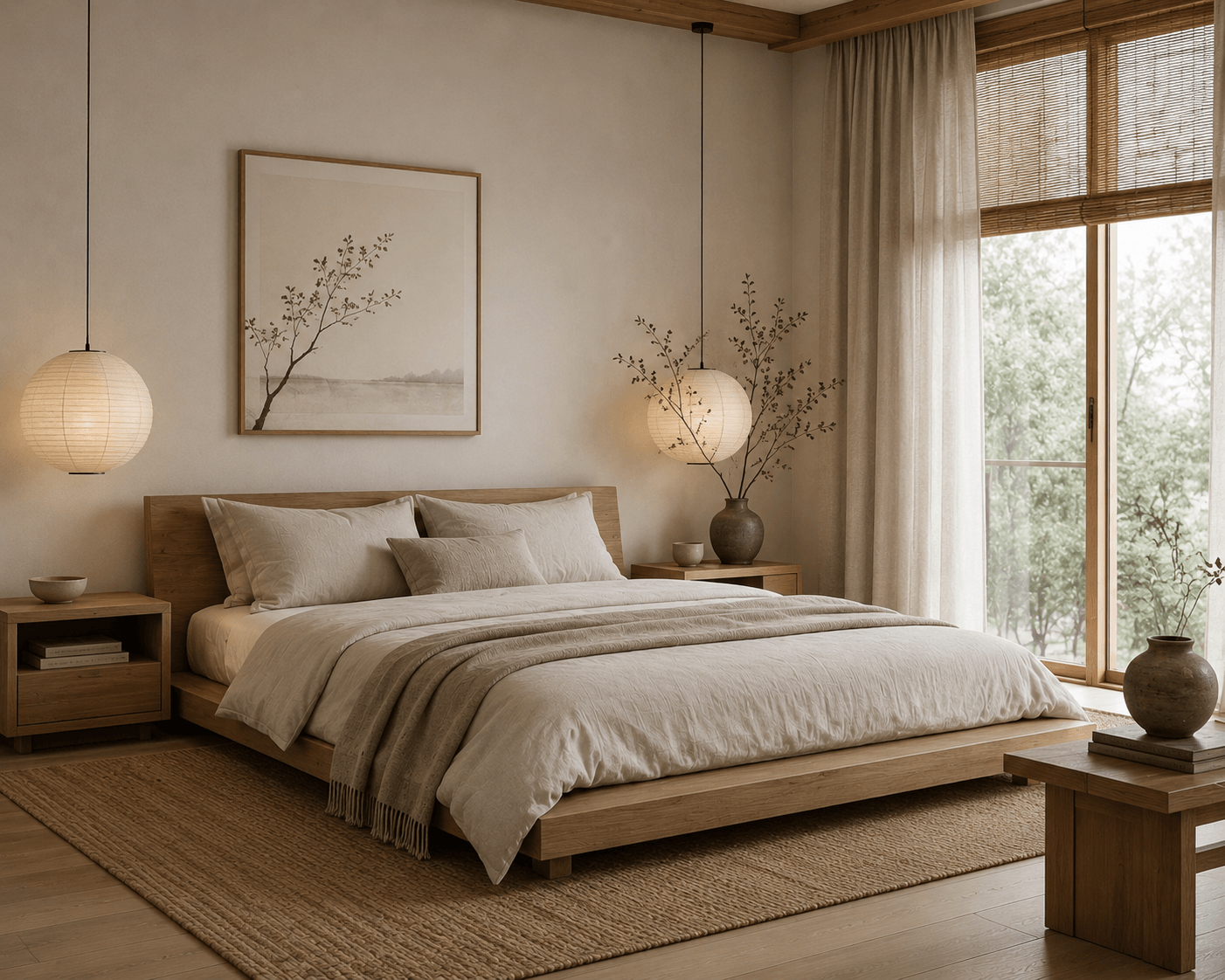
Explore different moods such as modern, classic, Scandinavian, farmhouse, Japandi, industrial, and Mediterranean.
Workflow
The workflow is built for fast iteration. Start with a floor plan, use the editor to improve it, preview the 3D house plan, then create renders when the layout is ready to present.
Start with an AI-generated layout or open a saved project in the FloorPlan AI editor.
Adjust rooms, dimensions, walls, doors, windows, and openings before moving deeper into 3D.
Use the real-time 3D view in the editor to understand volume, circulation, room relationships, and overall house structure.
Generate interior and exterior renders from the design, then compare architectural styles before choosing a direction.
Why it helps
A 3D house plan design gives context that a flat drawing cannot always communicate. Room proportions, wall height, openings, circulation, and exterior massing become easier to evaluate when the plan is visible as a model. That is especially useful when you are comparing options for a client or trying to decide whether the generated floor plan needs another revision.
Once the layout feels right, the same project can support interior and exterior render exploration. You can test a modern facade, a farmhouse direction, an industrial kitchen, or a calm Japandi living room without losing the connection to the original plan.
Exterior render styles
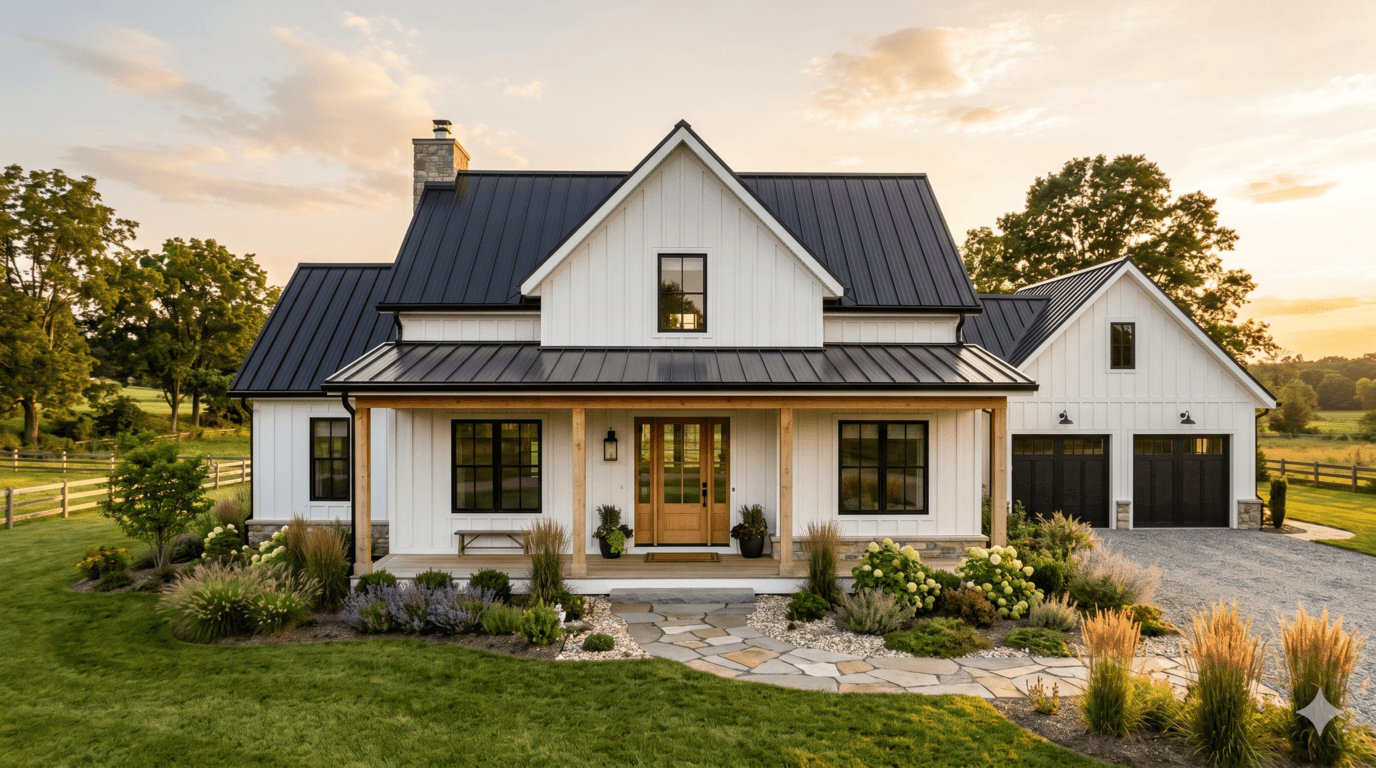
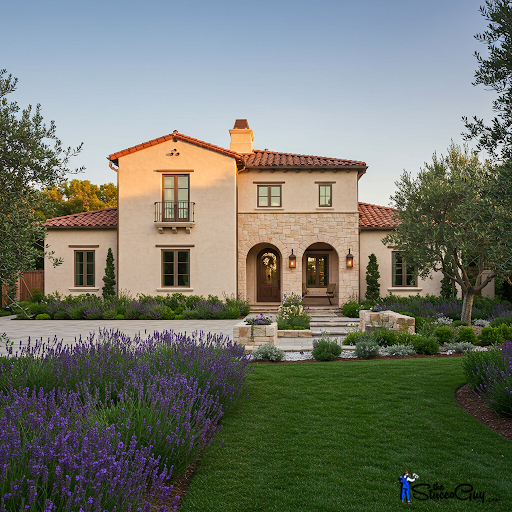
Exterior rendering helps you evaluate the character of the home: roof shape, materials, windows, massing, landscape context, and curb appeal. Use styles like modern, Mediterranean, Scandinavian, or modern farmhouse to compare options quickly.


Interior render styles
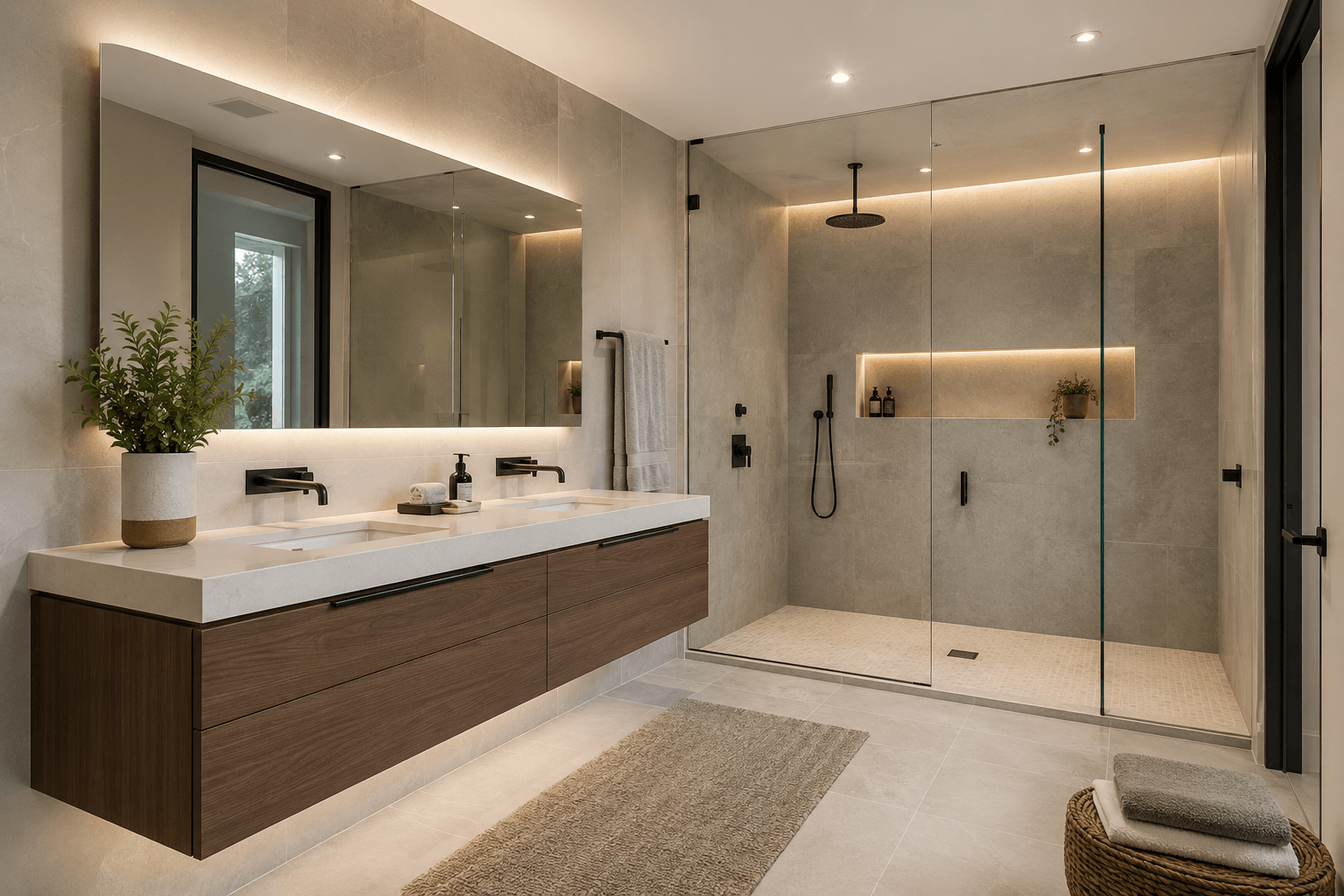
After the 3D floor plan clarifies the structure, interior renders help communicate atmosphere. Test material palettes, lighting, furniture mood, and room style for kitchens, bedrooms, bathrooms, living rooms, and other spaces.
FAQ
3D house plan design lets you move from a generated or edited floor plan into a 3D view of the home. Instead of reviewing only a flat layout, you can inspect the house volume, walls, openings, and room relationships in the editor.
Yes. FloorPlan AI lets you view the 3D version of your generated plan in the editor, making it easier to understand the design while you are still refining the 2D layout.
The plan to 3D workflow uses the floor plan layout as the source for a 3D representation. You can generate a plan with AI, edit it, preview the 3D floor plan, and continue toward renders without manually recreating the whole design.
Yes. After working with the 3D house plan, you can generate interior and exterior renders in different styles such as modern, classic, industrial, Scandinavian, farmhouse, Japandi, and Mediterranean.
Generate a floor plan with AI, edit it online, view the 3D floor plan in the editor, and create interior or exterior renders when the concept is ready to present.
Start designing in 3D