
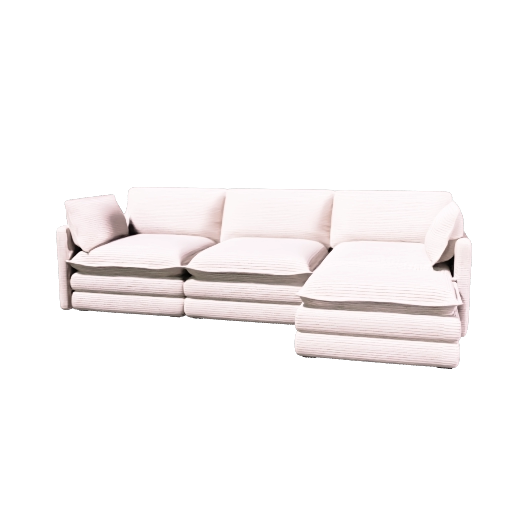
White Sofa 3D Model
Clean white sofa 3D model for modern living room layouts, interior renders, and SketchUp furniture scenes.
- Style
- Modern white sofa
- Format
- GLB for SketchUp import
- Compatibility
- Opens in SketchUp via GLB import
Free GLB furniture model
Download free sofa GLB model files and open them in SketchUp for living room layouts, interior design concepts, floor plan presentations, and 3D visualization workflows.
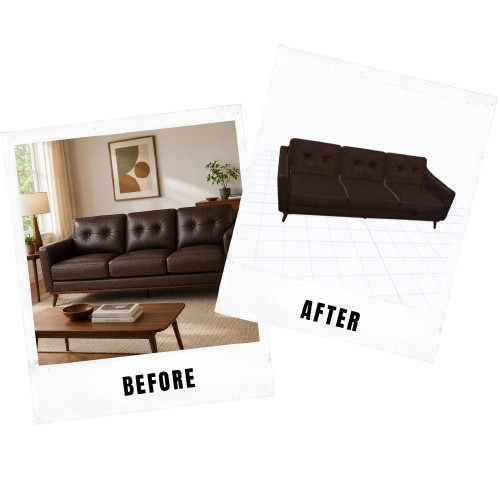
Sofa model cards
Choose a sofa 3D model preview, then download a GLB file that can be opened in SketchUp-supported import workflows.
Clean white sofa 3D model for modern living room layouts, interior renders, and SketchUp furniture scenes.
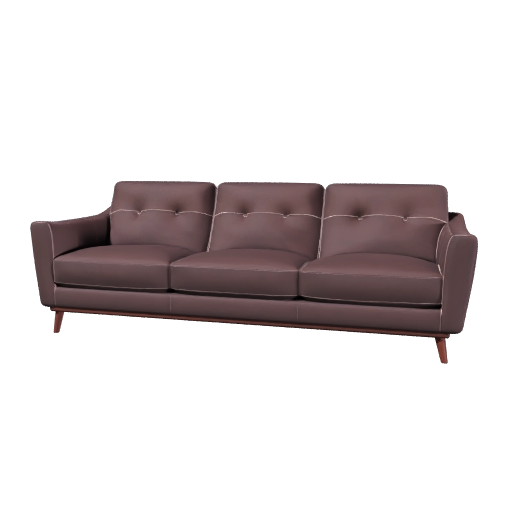
Vintage mid-century sofa 3D model with warm materials for SketchUp room planning and furniture visualization.
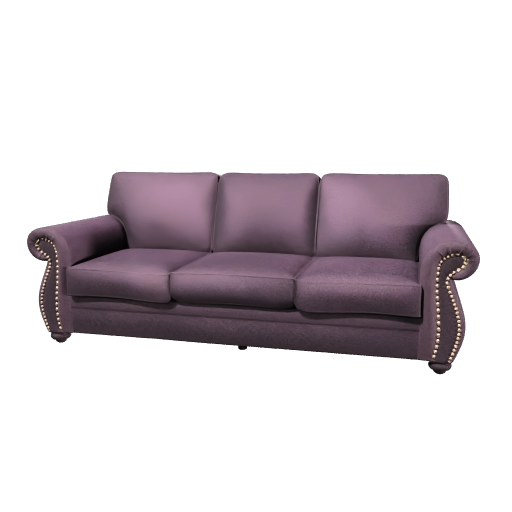
Mid-century sofa 3D model for living room concepts, apartment layouts, and SketchUp furniture design files.
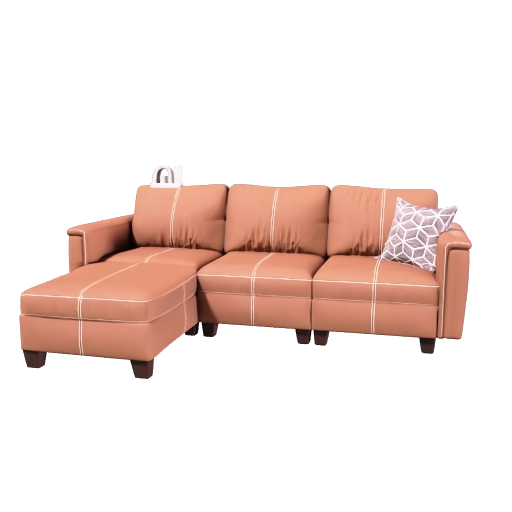
Mid-century modern sectional couch 3D model for living room layouts, lounge concepts, and SketchUp furniture planning.
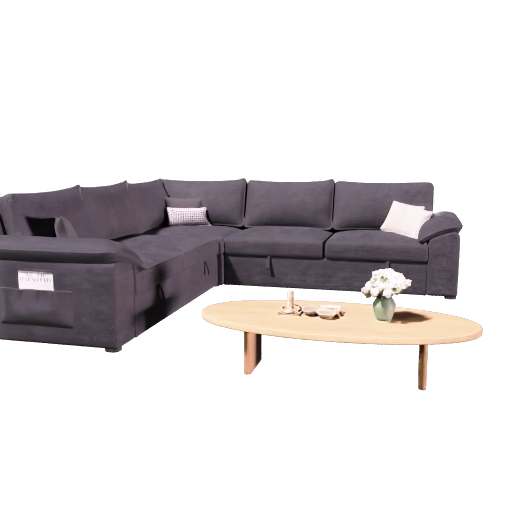
Modular L-shaped sofa 3D model with table for living room layouts, lounge concepts, and SketchUp furniture scenes.
Custom 3D furniture
Turn a sofa or furniture reference image into a SketchUp-ready 3D model for your project.
Create from image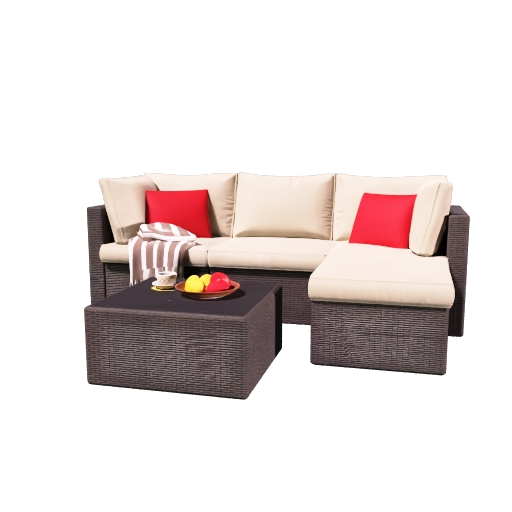
Outdoor patio sectional sofa 3D model for terrace layouts, backyard lounge scenes, and SketchUp exterior furniture plans.
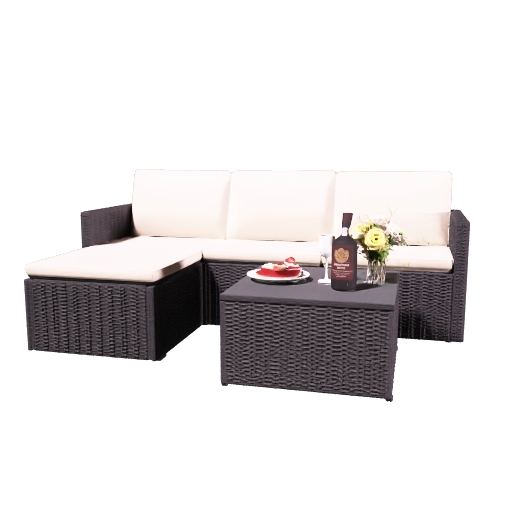
Four-piece patio sofa outdoor furniture set 3D model for backyard layouts, terrace scenes, and SketchUp exterior planning.
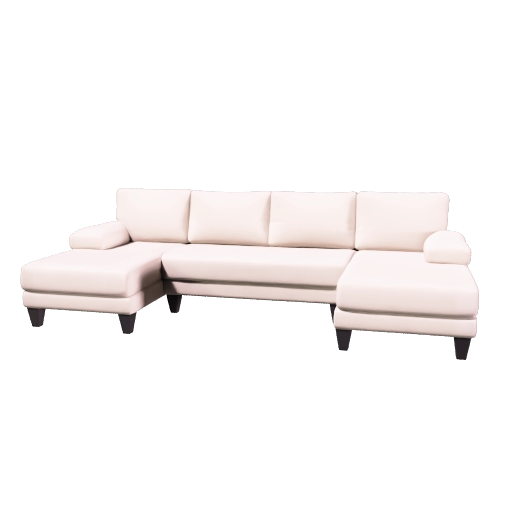
U-shaped sectional couch 3D model for spacious living room layouts, media rooms, and SketchUp furniture planning.
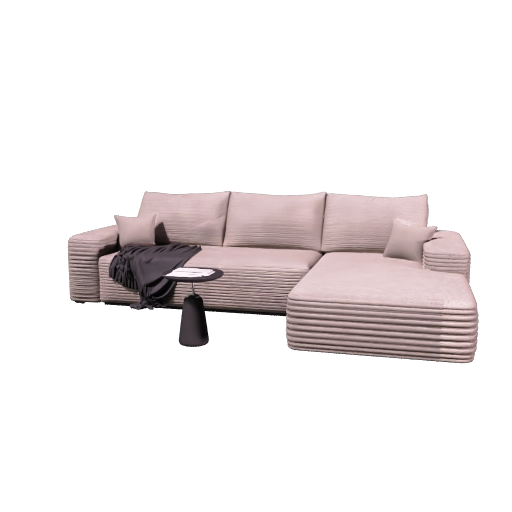
L-shaped couch 3D model for living room layouts, sectional sofa planning, and SketchUp furniture scenes.
SketchUp workflow
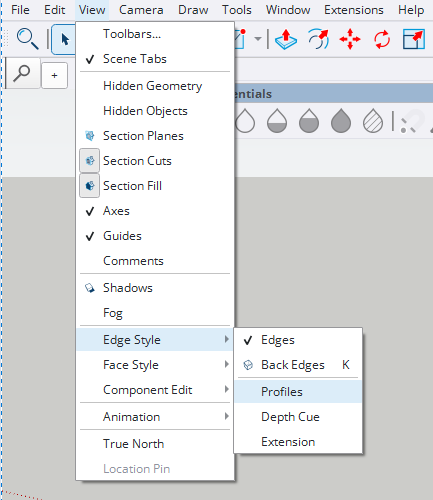
Use the sofa GLB model as a reusable furniture asset for SketchUp. Import it through the SketchUp file menu, turn off Profiles if outline edges look too heavy, then place and scale the sofa in your living room scene.
Open the full SketchUp import guideChoose the sofa card that matches your project and download the GLB model file.
In SketchUp, open File > Import, choose the generated GLB file, and confirm the import.
Open View > Edge Style and make sure Profiles is not selected so the imported sofa does not show thick outline edges.
Confirm the sofa scale, position it in your scene, and adjust materials if your project needs a different finish.
Import the generated GLB or USDZ file through the SketchUp import flow, then disable Profiles in Edge Style so the model appears without unwanted thick contour lines.
Interior design use cases
A sofa 3D model helps communicate seating layout, circulation, scale, and style inside a living room design. Instead of using a generic block, you can place a SketchUp sofa model that better matches the furniture direction of the project.
These sofa SketchUp previews support search intent for both sofa 3D model downloads and sofa SketchUp assets, so the same page can rank naturally for users looking for either phrase.
Custom furniture
Upload a sofa or furniture reference image, generate a 3D model, and use the result in SketchUp, Blender, or your FloorPlan AI workflow.
Generate from imageFAQ
Yes. This page provides free sofa GLB model downloads that can be used in SketchUp-supported workflows.
The download cards use GLB files. GLB is useful for web previews, Blender, and SketchUp import workflows.
Use a SketchUp setup that supports importing GLB files, then place and scale the sofa model inside your project.
Yes. Sofa 3D models are useful for living room planning, furniture placement, interior rendering, client presentations, and 3D floor plan visualization.