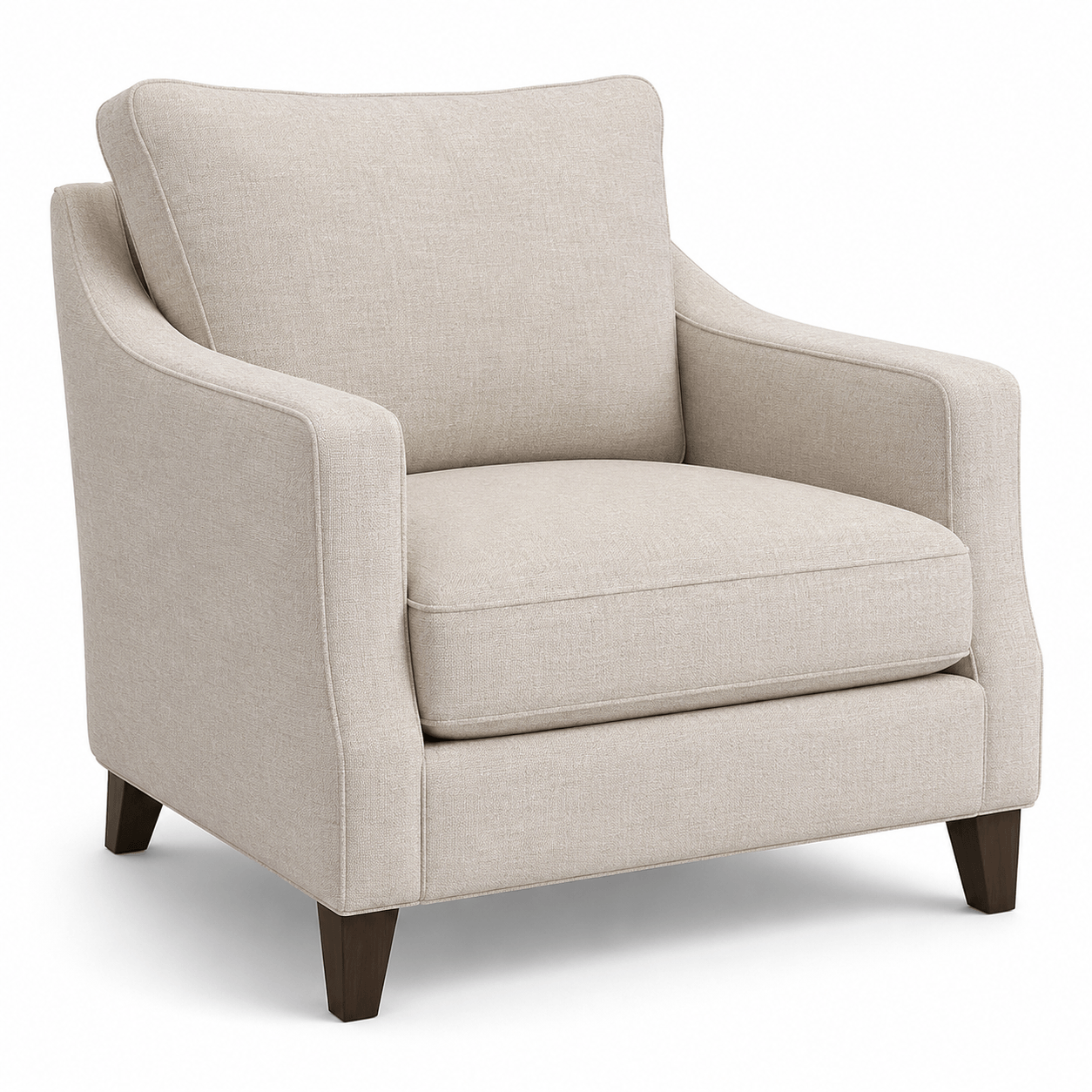
Armchair
A versatile upholstered armchair for living rooms, reading corners, and residential interior layouts.
- Style
- Classic upholstered armchair
- Dimensions (W × H × D)
- 90.6 × 100 × 98.1 cm
- 35.7 × 39.4 × 38.6 in
- Format
- GLB for SketchUp import
Free GLB furniture models
Download 9 free armchair GLB models for SketchUp. Compare styles and real-world dimensions for living rooms, floor plans, and interior design scenes.
Armchair model cards
Choose an armchair preview, compare width, height, and depth in metric and imperial units, then download the GLB model.
A versatile upholstered armchair for living rooms, reading corners, and residential interior layouts.
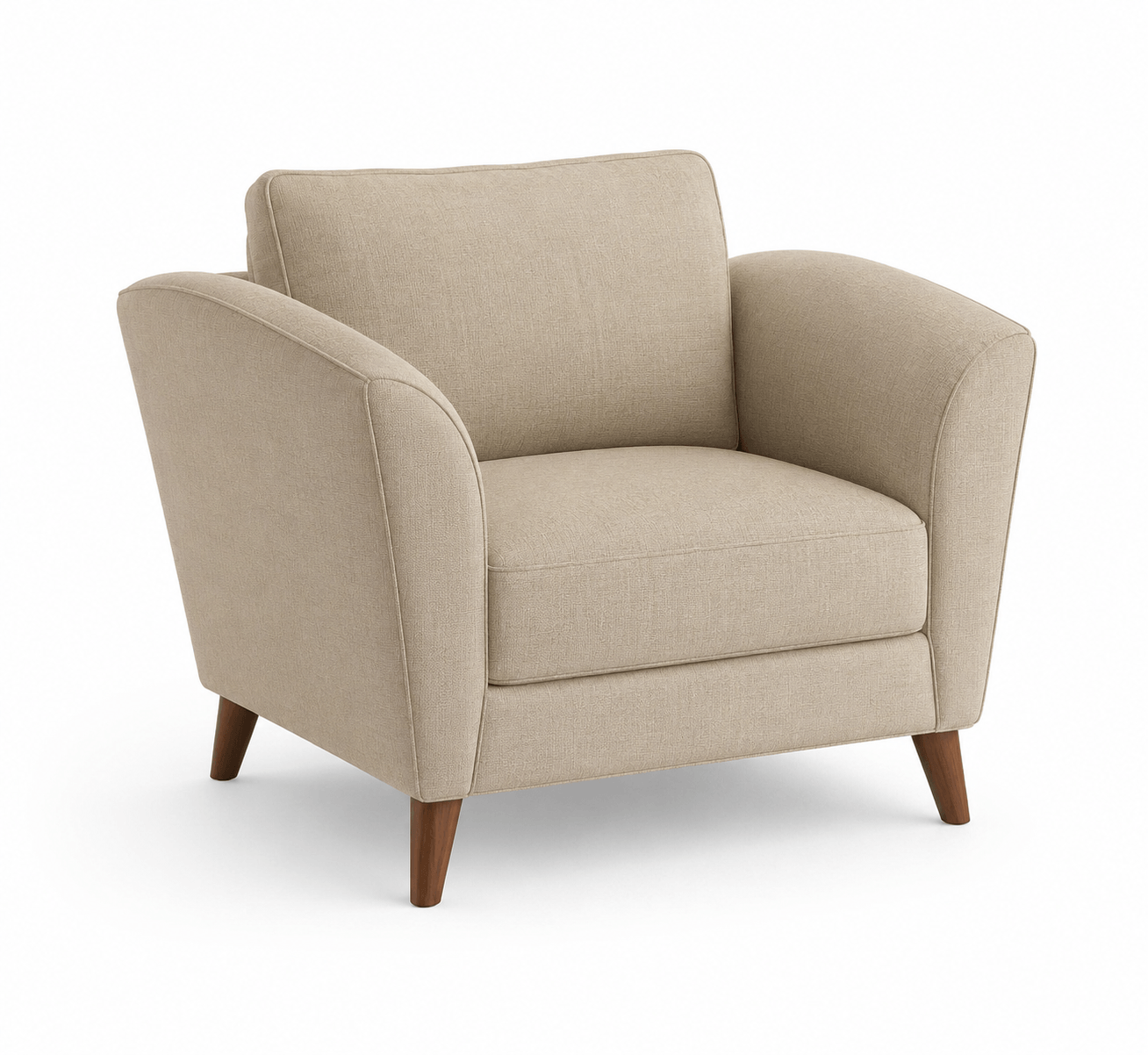
A neutral beige armchair with exposed wooden legs for modern and Scandinavian-inspired room scenes.
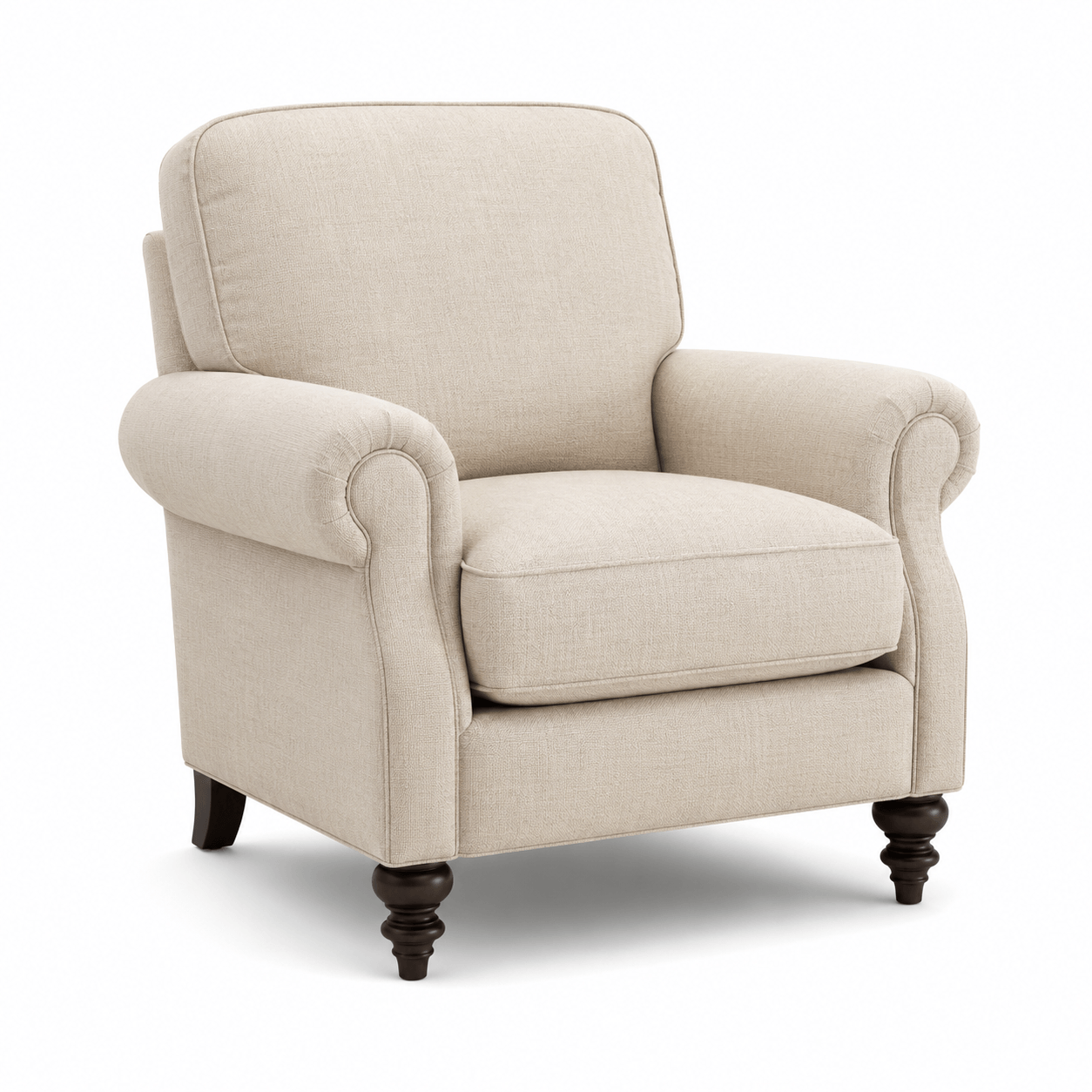
A soft beige linen armchair suited to calm living rooms, bedrooms, and contemporary interior designs.
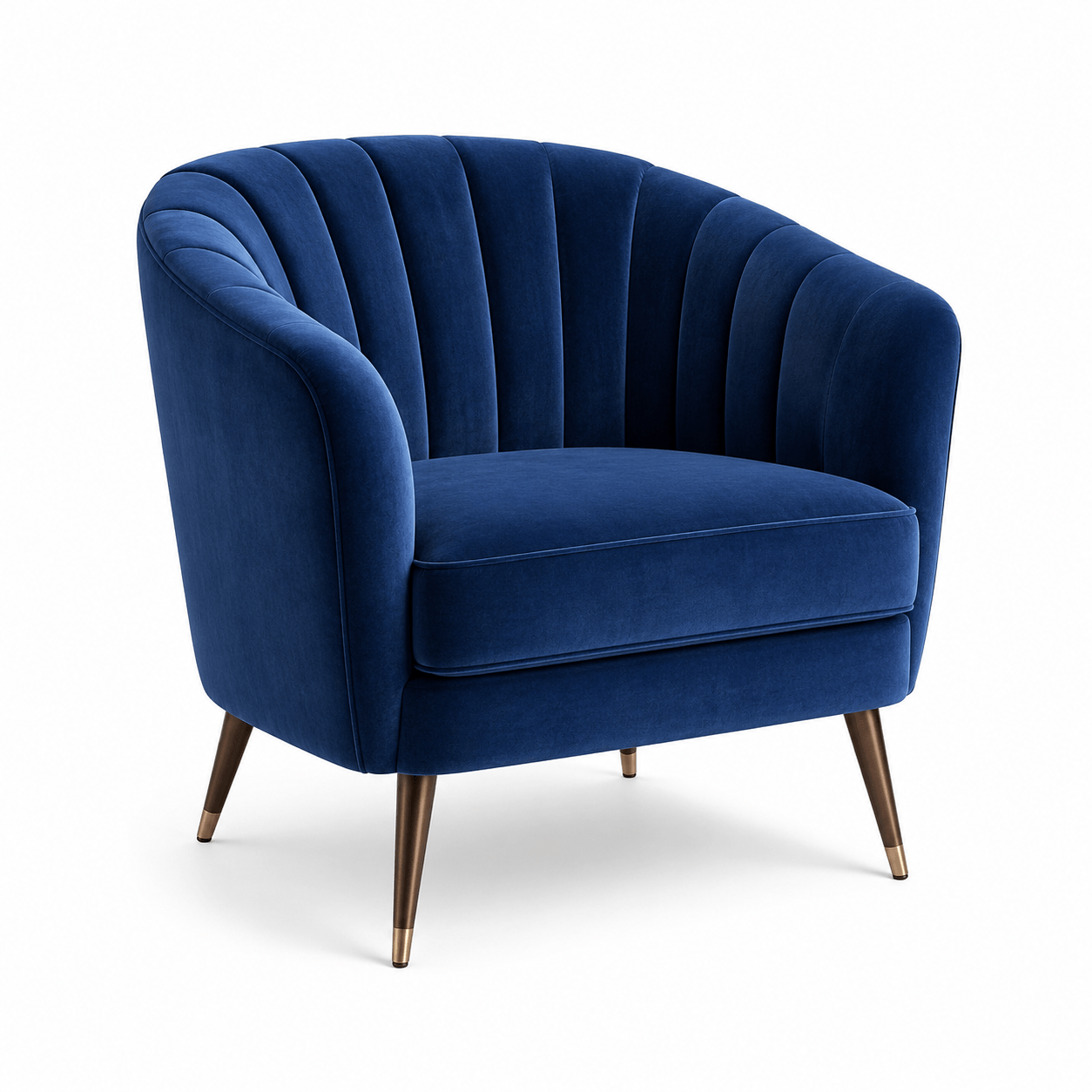
A blue velvet accent chair with ribbed upholstery for colorful living rooms and lounge areas.
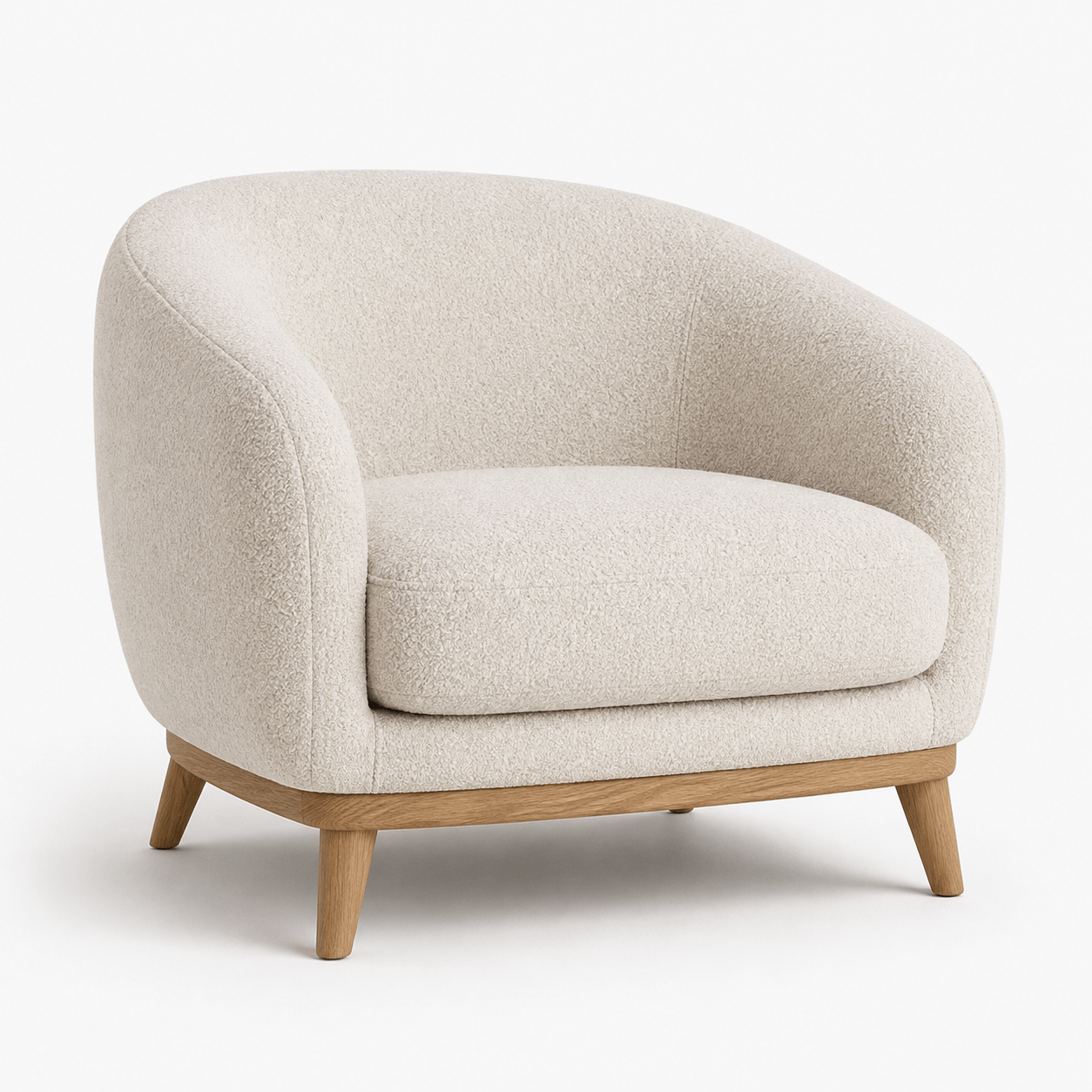
A rounded bouclé armchair with a wooden base for warm minimalist and contemporary interiors.
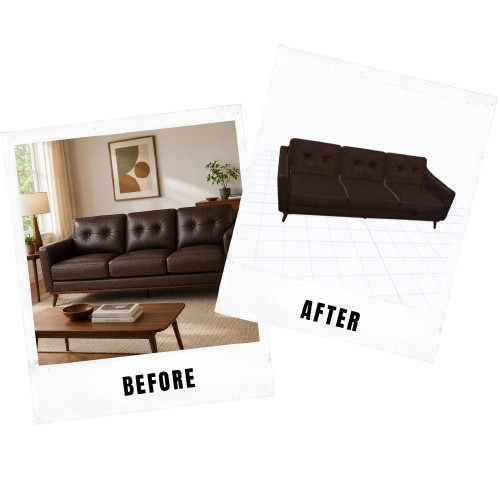
Custom 3D furniture
Turn an armchair or furniture reference image into a SketchUp-ready 3D model for your project.
Create from image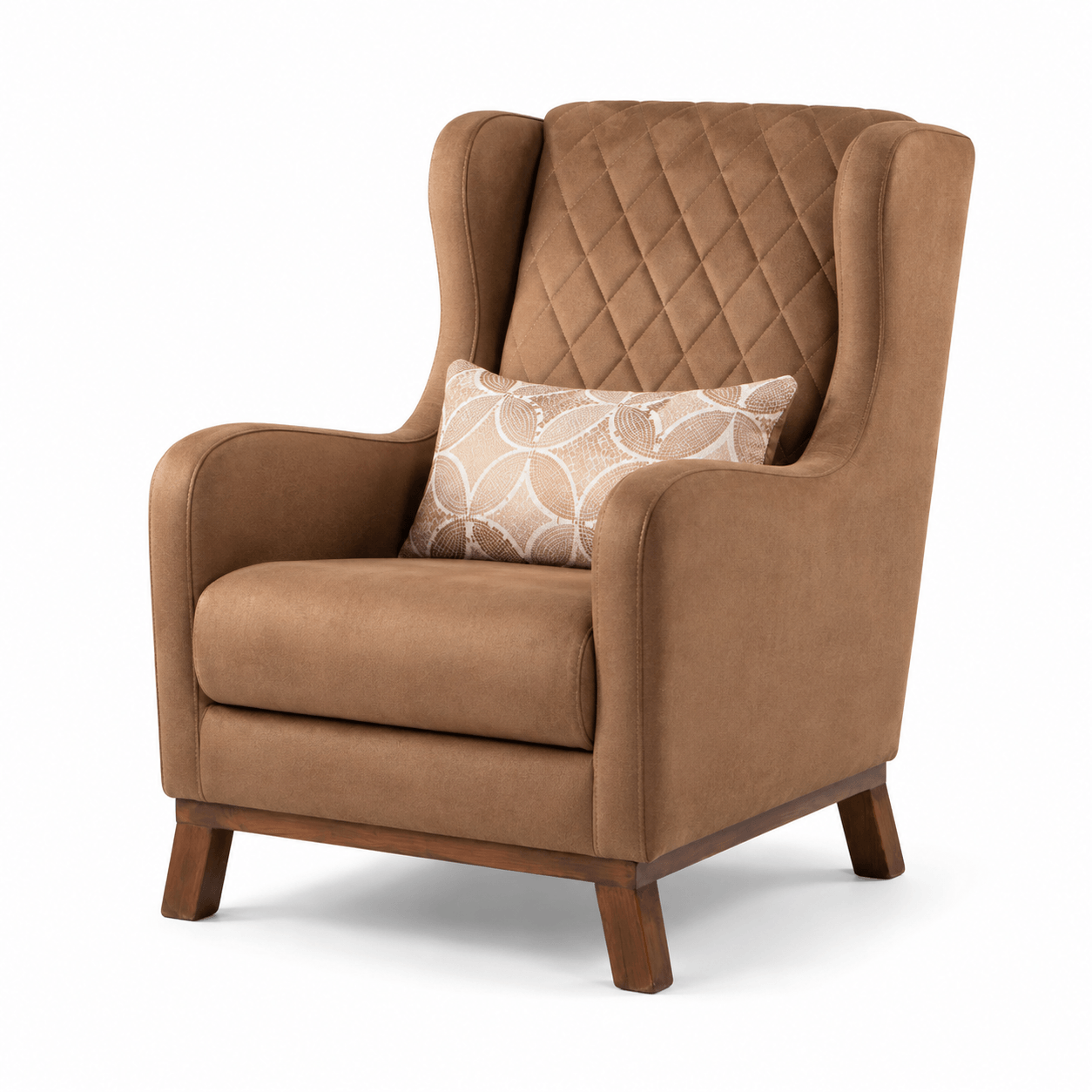
A tall caramel armchair that adds a warm accent to lounges, reading areas, and living room layouts.
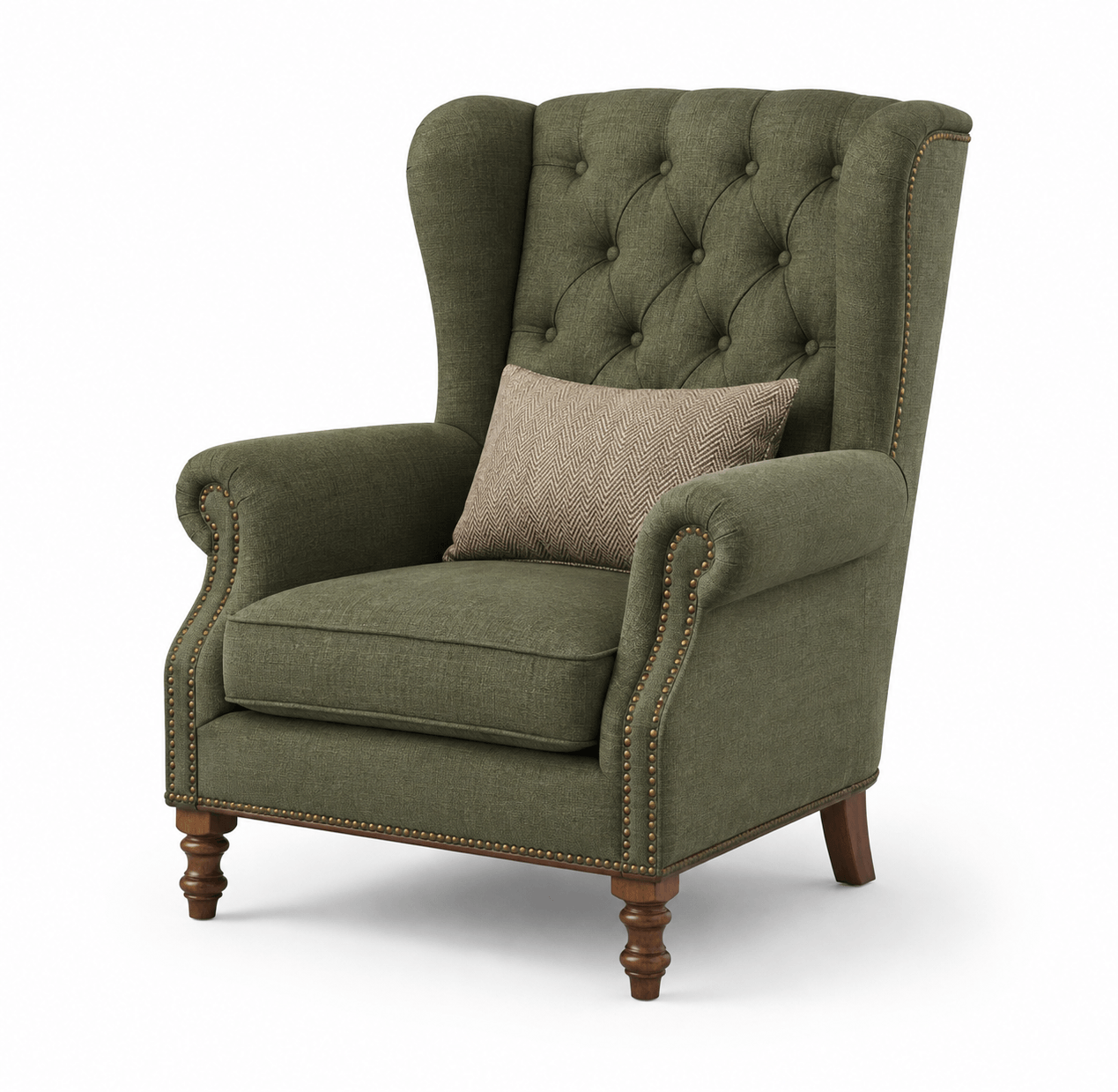
A high-backed green armchair with a traditional silhouette for classic and eclectic interiors.
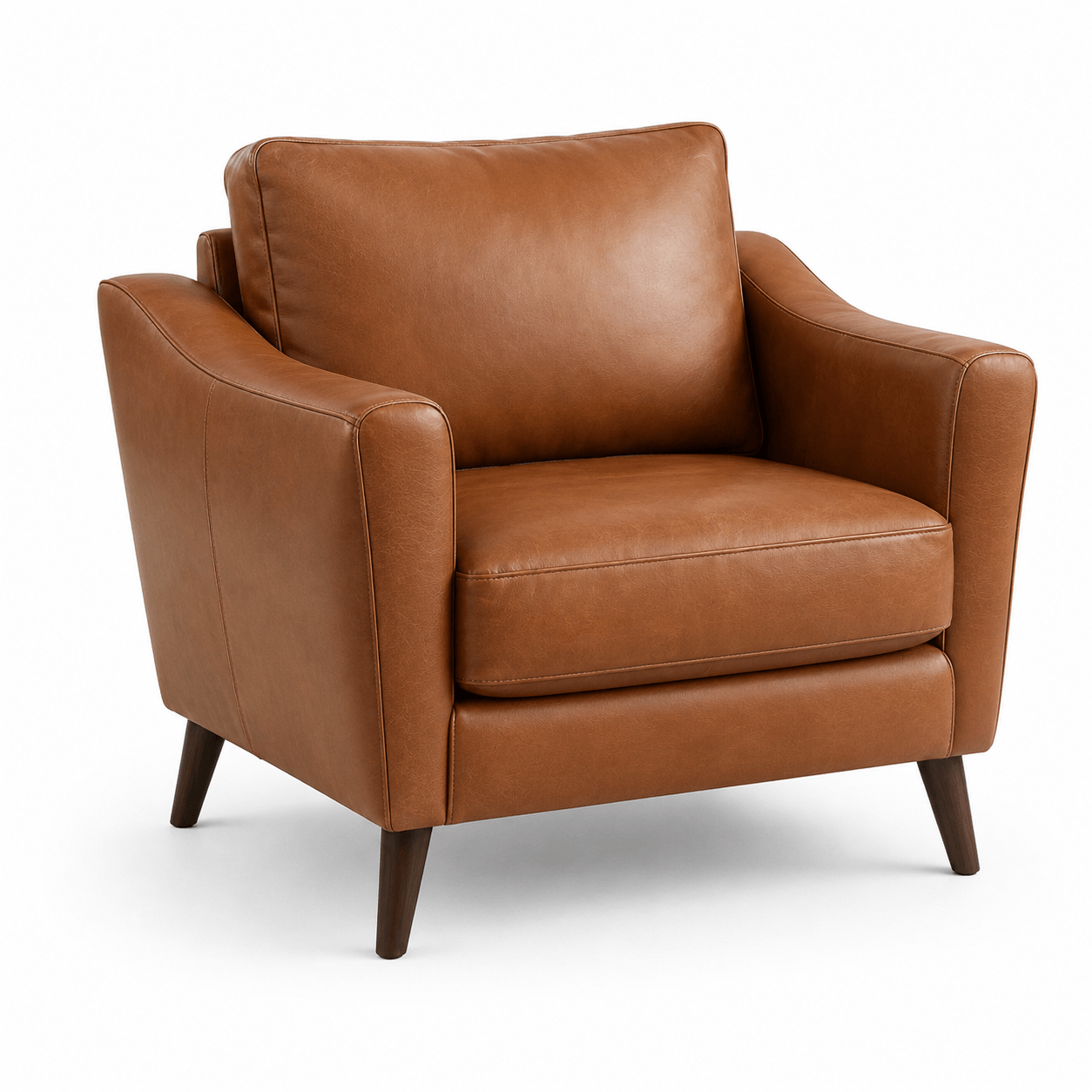
A retro caramel leather armchair for mid-century living rooms, offices, and styled seating areas.
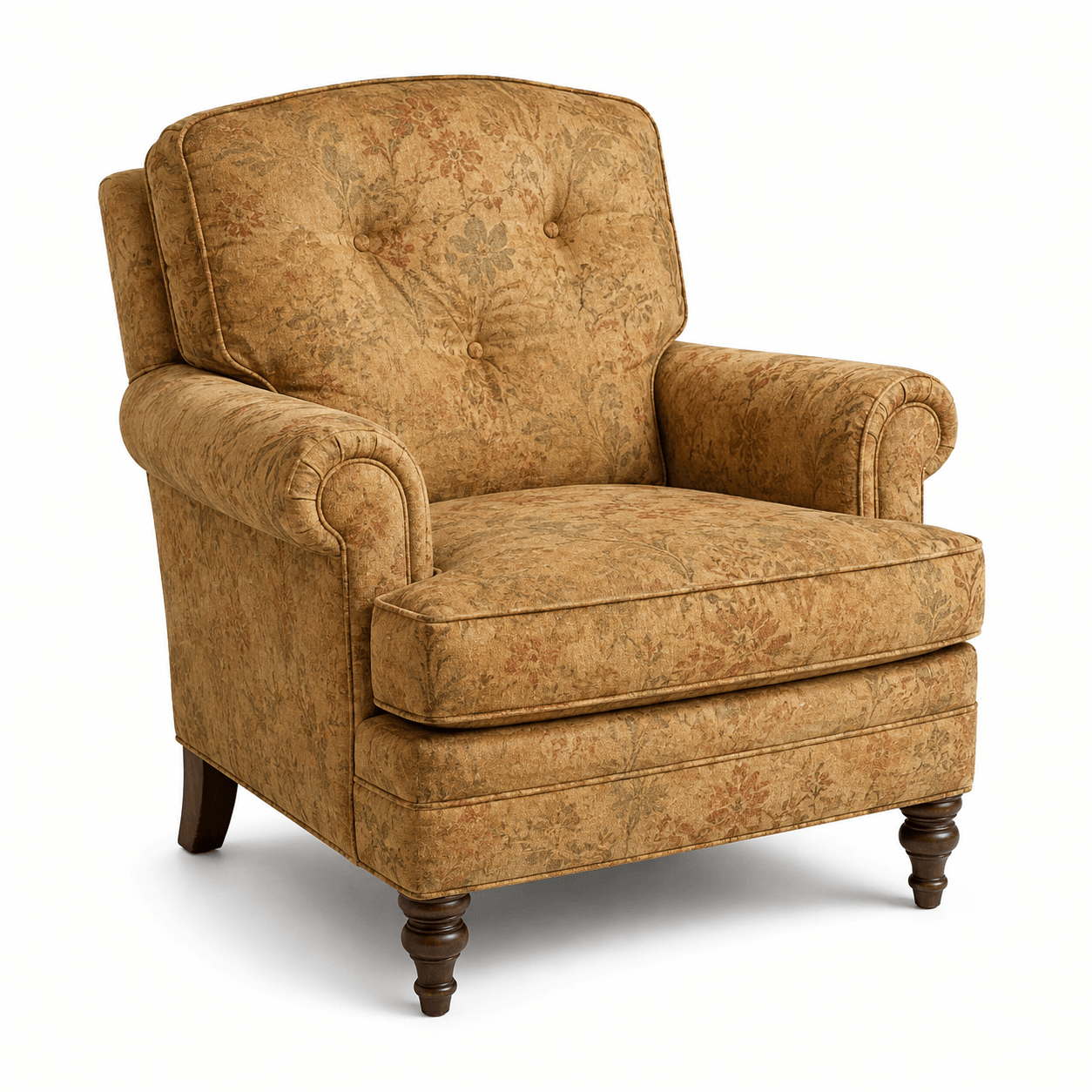
A vintage armchair with floral upholstery for traditional, cottage, and eclectic room designs.
SketchUp workflow
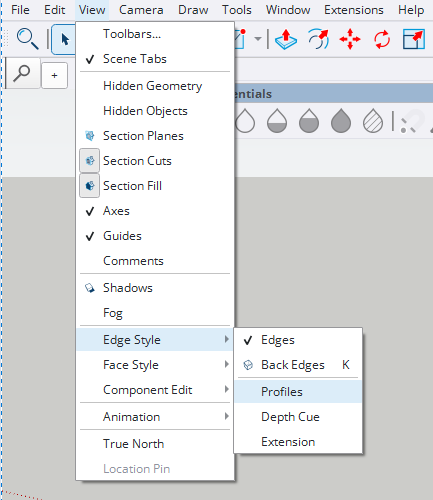
Use each armchair GLB model as a reusable furniture asset for SketchUp. Import it through the file menu, turn off Profiles if outline edges look too heavy, then verify its dimensions in your room scene.
Open the full SketchUp import guideChoose the armchair card that matches your project and download its GLB model file.
In SketchUp, open File > Import, choose the downloaded GLB file, and confirm the import.
Open View > Edge Style and make sure Profiles is not selected so the imported armchair does not show thick outline edges.
Confirm the armchair dimensions, position it in your scene, and adjust materials if your project needs a different finish.
Import the generated GLB or USDZ file through the SketchUp import flow, then disable Profiles in Edge Style so the model appears without unwanted thick contour lines.
Interior design use cases
An armchair 3D model helps communicate seating layout, circulation, scale, and style inside a room design. Real-world dimensions make it easier to check clearances near sofas, tables, walls, and other furniture.
This collection includes linen, velvet, bouclé, leather, classic, and floral armchairs for contemporary and traditional interior layouts.
Custom furniture
Upload an armchair or furniture reference image, generate a 3D model, and use the result in SketchUp, Blender, or your FloorPlan AI workflow.
Generate from imageFAQ
Yes. This page provides free armchair GLB model downloads for SketchUp-supported import workflows.
Each card lists width, height, and depth in centimeters and inches so you can compare the armchair with your room layout before importing it.
Use a SketchUp setup that supports importing GLB files, then place the armchair and verify its scale inside your project.
Yes. Armchair 3D models are useful for furniture placement, circulation checks, room rendering, client presentations, and 3D floor plan visualization.